We're a monday.com partner. If the job that keeps coming back already lives in monday.com, we put one AI workflow on it, agree the number that has to move, and stay until your team is the one running it.
From kickoffDiscovery in the first days, then the build
3 tiersOne team, two teams, or three
8 to 16 weeksFixed length, not an open brief
1 workflowThe first process, then the next
How an engagement moves
01 AssessFirst quarter
02 AlignThe middle
03 AdoptLast quarter
Built on monday.com, using only the pieces that process actually needs.
SidekickAI blocksVibeAgentsWorkflows
0%
of companies have adopted AI, or are planning to
Glide, State of AI 2025
0%
report a real change in how the work runs
Glide, State of AI 2025
0×
output reported by 45% of companies using generative AI
Google, ROI of generative AI
0%
of companies have AI running across the operation
McKinsey, 2025
What you get
A workflow your team actually runs
This is monday.com's AI Transformation Package, delivered by us. We find the job that keeps eating the week, build it on your account, and leave a person on your side who can own it.
01
The bottleneck, namedWe show you where the manual work sits, and which process should go first.
02
The workflow, built for how you workBoards, automations, and the AI pieces that fit, with a proof you can see before we build the rest.
03
A before and an afterHours, errors, or cycle time, written in your words and then reported on a dashboard.
04
A champion who owns itTraining, written instructions, and a named person, so the workflow doesn't die after we leave.
Methodology
Assess, align, adopt
These are monday.com's three phases. We stay in the work with you until people are using the workflow on a normal day, with a weekly check-in, and nothing goes live until you've signed it off.
01
Phase one, about a quarter of the time
Assess
We learn the business before we touch a board, across one to three sessions, and a short conversation with one or two leaders sets the outcomes in their own words.
Readiness scored 1 to 5 before we start
What the team owns, this year's priorities, and what great looks like
The current process, or the target if it doesn't exist yet
Each pain sorted: classify and route, extract and enrich, assist and generate, or automate and act
An agent first, and a written reason when an agent is the wrong tool
A SMART objective: specific, measurable, achievable, relevant, time-bound
02
Phase two, about half the time
Align
We design the target workflow and prove it on a small slice of real items before we build the rest.
Solution design tied to the objective, not to a feature list
A proof on items from your account
Edge cases tested, including what the agent must not do
Credit use checked against the budget you agreed
Written sign-off before the full build
A weekly check-in until go-live
03
Phase three, about a quarter of the time
Adopt
People need to know why it exists, want to use it, know how, and still be using it on a normal day after we've stepped back.
Training for the people who use it, and a deeper session for the champion
Instructions for the workflow, the agent, and the prompts
Go-live watch, with issues fixed while we are still on the engagement
The baseline read back against the target
Handover, and a date for the next conversation
Before we start
Is the organisation ready
We score five things with you, from 1 to 5, and a low mark doesn't stop the work, because it shows what we fix first, usually the data, before an agent is allowed to run.
The bars are a normal starting point, not a pass mark. Most accounts look like this, and the gaps become the plan.
Where a normal account starts
0/ 5
Data3 / 5
Are the boards clean, current, and kept up
Talent2 / 5
Is there someone inside who will learn to run it
Governance2 / 5
Do you know who may use the agents, and what they can see
Culture3 / 5
Is there room to try a new way of working in these weeks
Tooling3 / 5
Can the account support the workflow without a long wait
Packages
Sized to your scope
Three tiers, priced for the outcome and the list under it. The US figure is the program reference, and the Australian dollar figure is monday.com's published list.
Tier 1
Essential
For one team that wants one process running, with a person trained to keep it going.
These prices are the starting list. After the discovery call, the proposal sets the final fee, the credit budget, and anything outside the package, such as moving old data or a connection monday.com doesn't already have, and you buy one package per product, with the work remote unless we agree otherwise.
AI credits
What a credit is
The prices above are what you pay us to build the workflow, and a credit is what monday.com charges when the AI runs, about one US cent, renewed every month. Sidekick, agents, blocks, Vibe, and the notetaker all spend them, so we agree a budget before anything goes live and the account doesn't get a surprise.
A larger bundle of seats and credits can take money off the package, or include Essential
Seats
Credits a month
Discount
What it does to the package
25
20,000
5%
Essential included
50
40,000
7.5%
Half off Essential
100
80,000
10%
Essential at no package fee
200
160,000
12.5%
A step toward Advanced
The pieces
What each tool actually does
We don't switch all of these on. We pick the ones the process needs, and we tell you the credit cost before they run.
Agents
For work that needs a judgment across steps, like routing a request, chasing a missing field, or updating the next board. We try an agent first, with a basic one as a short chain and an advanced one reasoning across boards.
Basic, 10 to 50 credits. Advanced, 50 to 250 or more
Sidekick
The assistant inside the account, for when someone needs an answer from the boards right now rather than a standing automation, and it spends credits from the first message.
30 to 150 or more credits a message
AI blocks
One step on one item, such as summarising, pulling a field out of an email, tagging a request, or reading the tone, which is enough when a full agent is more than the job.
8 credits an item
Vibe
A small app on monday.com for when the board is the wrong screen, built for that process and either public or private, with the app itself about US$10 and the prompts spending the credits.
About 30 to 500 credits a prompt
AI workflows
The chain that connects agents, blocks, and the rules you already have, so a job can move from one team to the next without a handover meeting.
Credits per run, by complexity
AI notetaker
A meeting becomes notes and actions on the item, which is the right pick when the lost work is what was agreed in the room rather than the board itself.
120 credits an hour
Use cases
Ready for the work we already see
We use this with professional services firms, clinics and practices, businesses that run projects, and established retail and wholesale, and the package stays the same shape. The first workflow comes from your week, not from a menu.
Professional services
Enquiry in, the right person on it
New work gets classified and routed, the weekly status is drafted from the board, and meeting actions land on the item.
Agents, workflows, notetaker
Clinics and practices
The chase after the first enquiry
New enquiries get sorted and followed up, and referrals or missing paperwork stay visible until someone has actually finished them.
AI blocks, agents, workflows
Project businesses
The job, without the status meeting
Stage, variations, and client updates sit on the board, and a short status comes from the live items while people still make the decisions.
Sidekick, AI blocks, agents
Retail and wholesale
Exceptions, not every order
Ordinary orders stay where they are. The requests that land in an inbox get classified and routed, and a person still handles the ones that need a decision.
AI blocks, workflows, Vibe
What good looks like
By the numbers
We agree one to three outcomes with one or two leaders, in their words, and we don't promise a return. We write the baseline first, then read it back on a live dashboard at the end.
Productivity
Time back on the repeated job
We start here because it is the clearest thing to measure, and it doesn't need a finance model.
Example target: status reporting down by a set number of hours each week
Quality
Fewer errors, the same output
We count missed fields, rework, and jobs that come out of the process in a different shape every time.
Example target: exception rate on that workflow down against the baseline
Adoption
People using it on a normal day
We look at who is active, and how often the agent runs, because a workflow nobody opens is not finished.
Example target: the champion's team on it through the watch period
Business impact
The result you named
Cycle time or response time, only if you raised it, and we don't introduce headcount as the goal.
Example target: the number from the alignment conversation
Why SYSBILT
You deal with the person who builds it
The package is monday.com's and the delivery is ours. Felipe leads it from the first call through to handover.
One workflow first
We don't turn every AI feature on. The next process waits until the first one is in daily use.
An agent first, and a reason when it isn't
If an agent is the wrong tool, we write down why, and we use Sidekick, a block, a workflow, or Vibe instead.
The rest of the business, said out loud
Native boards are inside the package. If the work has to meet the CRM, the inbox, or the reporting you already use, that is priced on its own, not slipped in.
The same person answers
A question in the afternoon comes back to the person who built it, not a queue that picks it up the next day.
The before is written down
We record hours and error rate in your words before we build, so the dashboard at the end can show whether we made a dent.
A champion and a next date
We don't close without an internal owner and a follow-up already booked. A retainer after the watch period is optional, and it has its own scope.
Who runs it
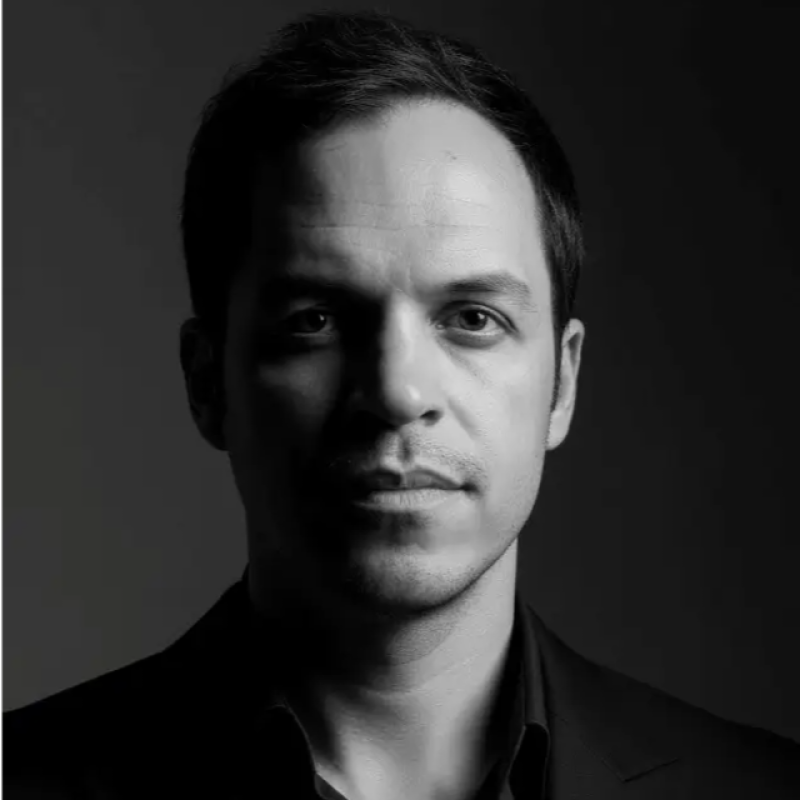
Felipe Chaparro
Felipe founded SYSBILT and he leads this himself, from the first conversation through the build, the training, and the weeks after go-live. You talk to the person doing the work, which is the reason to do it with us.
Discovery call
Find the first workflow
On the call we look at one process and tell you whether Essential, Advanced, or Premier is the right fit. If it is, you get a single page with the outcome, the scope, the weeks, the fee, and how we'll know it worked.