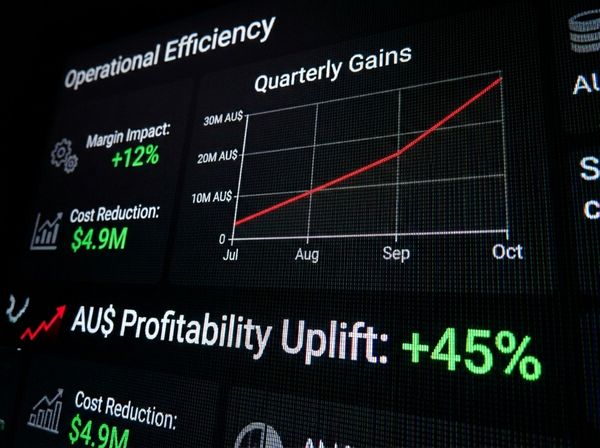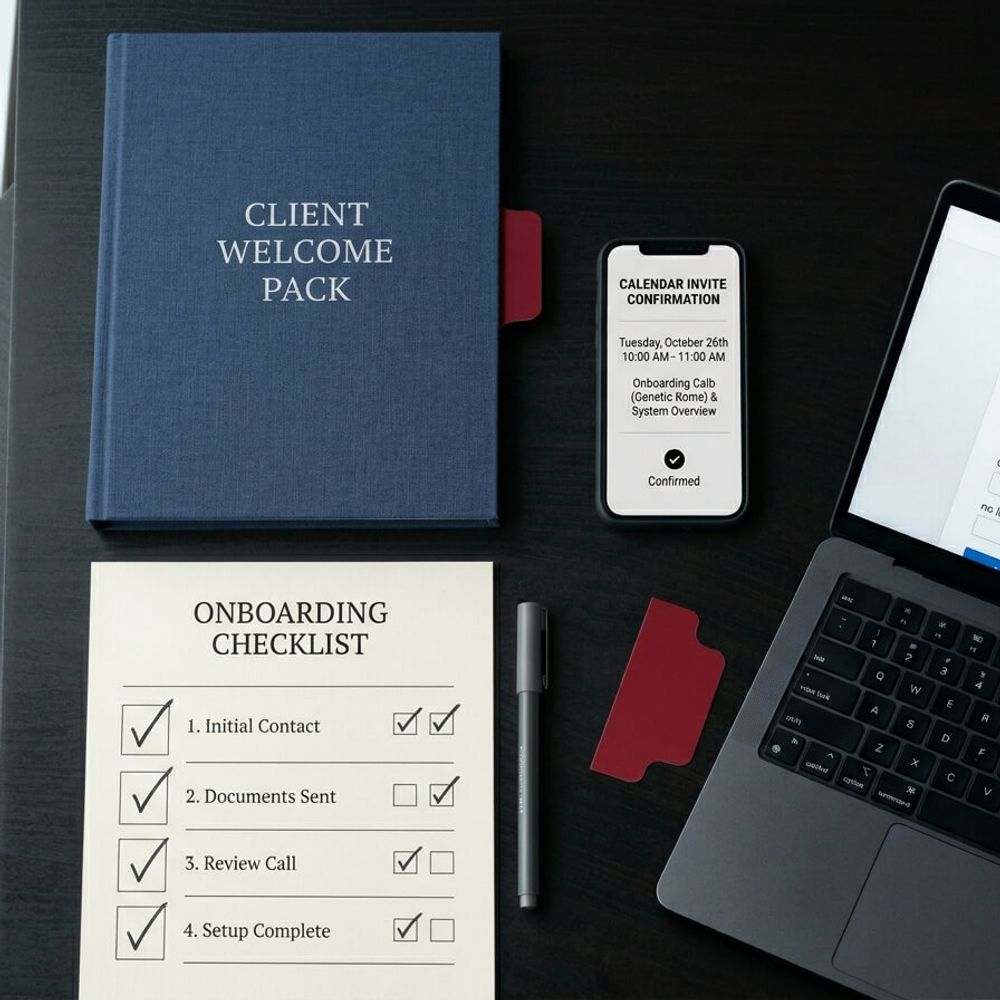
Every new client costs you hours of manual setup. Learn how to automate client onboarding for your service business and get your week back.
In this article
Every new client you win should feel like progress. Instead, it probably feels like another three to five hours of welcome emails, intake forms, project setup, and scheduling back-and-forth.
If you're running a growing service business, you already know this routine doesn't scale. The more clients you sign, the more your week disappears into logistics that look identical every time. This post walks through how to automate client onboarding for your service business, so you only show up for the parts that actually need you.
Why Client Onboarding Is the Hidden Bottleneck
You've won the deal, and the client's excited. But now you're manually typing their details into three different platforms, drafting a welcome email from scratch, sending an intake form you cobbled together last year, and going back and forth over email to lock in a kickoff date.
Multiply that by every new client this quarter, and onboarding becomes the thing that quietly eats your week. That process holds up when you're signing two clients a month, but at five or ten, it breaks. Every hour you spend on onboarding logistics is an hour you're not spending on delivery, sales, or the strategic work your business actually needs from you.
The data backs this up. 85% of practices already believe that automated onboarding delivers a better client experience (MYOB Pulse, 2025), and 80% of Australian businesses are still running entirely or partially manual processes for their core admin (OFX, 2025). Most business owners know the manual approach isn't working, but they haven't built the alternative yet.
"If your business depends on you, you don't own a business — you have a job. And it's the worst job in the world because you're working for a lunatic."
What Automated Client Onboarding Actually Looks Like
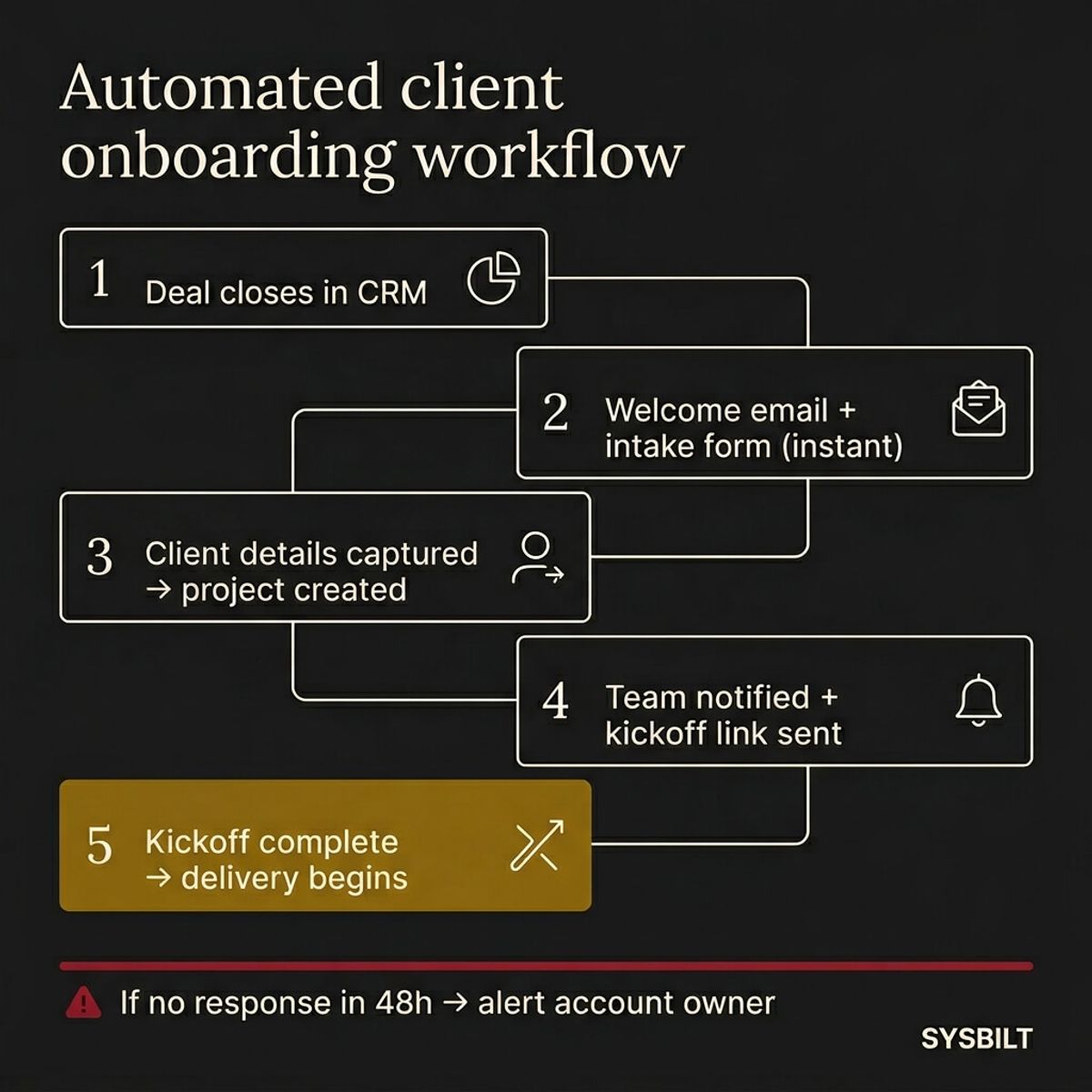
Most articles on this topic tell you to "automate your welcome email" and leave it there. That's not a system. A real onboarding automation is a connected chain of steps that fires the moment a deal closes in your CRM and doesn't stop until the kickoff is done.
Here's what the workflow looks like in practice:
- 01Deal closes in your CRM. This is the trigger. No human needs to press a button.
- 02Welcome email and intake form send instantly. The client feels acknowledged within minutes, not days.
- 03Client details flow into your project management tool. No re-typing, no copy-pasting between platforms.
- 04Your team gets notified and a kickoff link goes out. The client books a time without five rounds of email.
- 05Kickoff happens and delivery begins. The handoff is clean because every step before it was handled.
Here's the part nobody talks about: what happens when something breaks. If the client doesn't respond to the intake form within 48 hours, the system should alert the account owner, and if the form comes back incomplete, it should flag the missing fields before the project gets created. Building these fallbacks in from the start is what separates a real automation from a fancy email template.
The Three Parts to Automate First
You don't need to automate everything on day one. Start with the three steps that eat the most time and create the most friction.
Welcome acknowledgement and intake. The moment a deal closes, your client should receive a professional welcome email with an intake form attached. This sets the tone for the entire relationship and removes the most common delay in onboarding. When a new client hears nothing for two days after signing, trust starts to erode before the work even begins.
Project setup and team handoff. Once the intake form comes back, the client's details should flow directly into your project management and accounting tools. Nobody on your team should be re-typing a client's name, ABN, or contact details into a second platform. If your CRM, project tool, and invoicing system aren't connected, you're paying your team to be a human copy-paste machine. When you stop doing manual data entry between your tools, this is the step that changes first.
Kickoff scheduling. Send a booking link, not an email asking "when works for you." Calendar scheduling tools eliminate the three-to-five-email chain that delays every new engagement by at least a week. The client picks a time, it lands in your calendar, and both parties get a confirmation with the details they need.
If you're ready to connect these pieces, our automation service walks through exactly how we build these workflows for Australian service businesses.
What to Keep Human
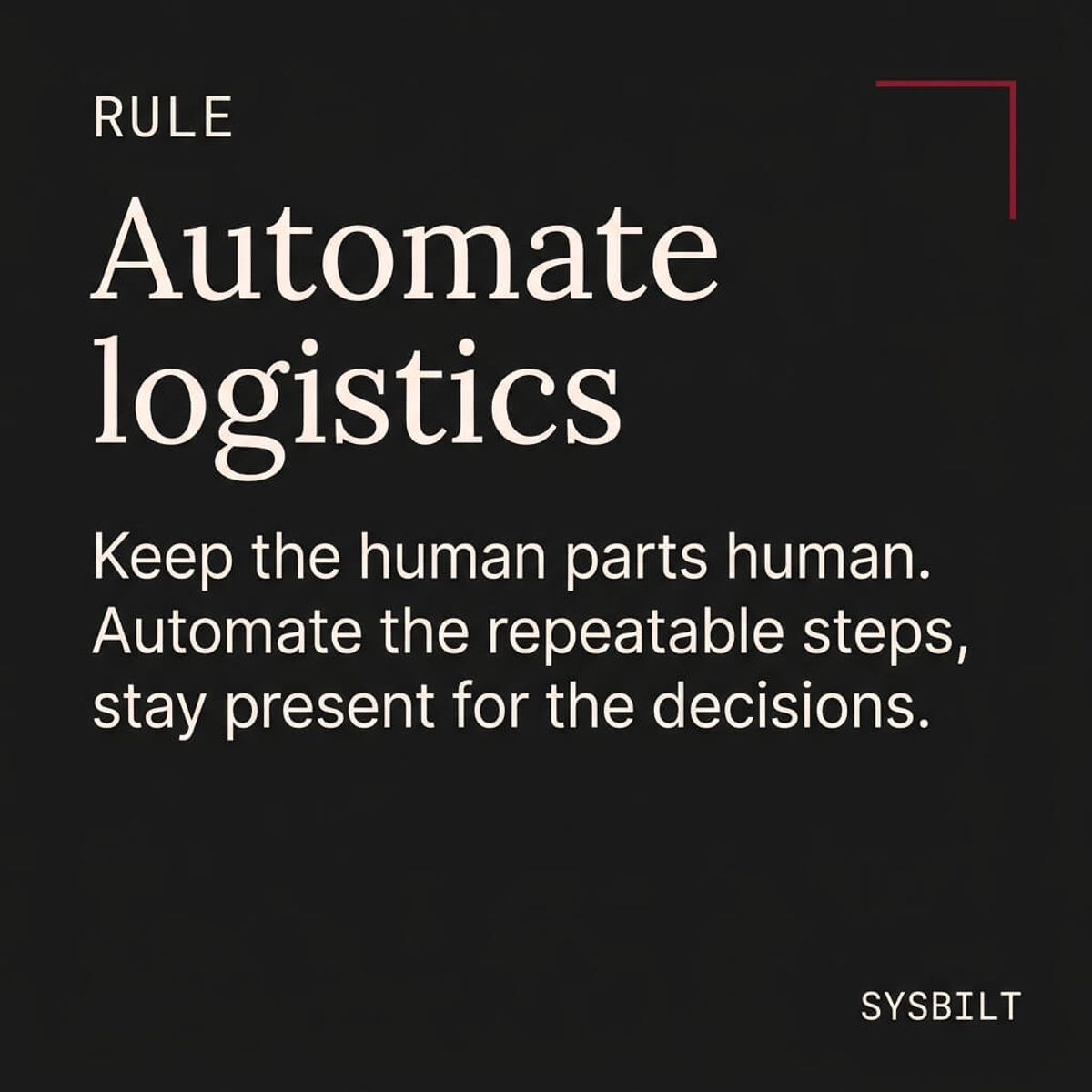
Not every part of onboarding should be automated, and the honest take is that articles telling you to automate everything are wrong.
The first real conversation with a new client should always be you. Scope clarification, expectation setting, and relationship building are judgement calls that require listening and context. Automated logistics create the space for that conversation to happen sooner and with less friction, but they don't replace it.
The rule is straightforward: automate the logistics, stay human for the judgement. If a step requires you to listen, interpret, or make a decision based on what you're hearing, keep it manual. If it's the same sequence of actions every time a new client comes on board, automate it.
How to Build This Without Creating a New Mess
The worst version of onboarding automation is one that's more complicated than the manual process it replaced. Here's how to avoid that.
Start with one client type and one trigger. Don't try to map every possible onboarding scenario on day one. Pick your most common engagement type and build the workflow for that single path. You can add variations once the core flow is running smoothly and your team trusts it.
Measure time saved over ten clients. Before you automate, track how long onboarding takes per client. After the first ten clients go through the new workflow, compare the numbers. If you're not saving at least an hour per client, something in the workflow needs adjusting.
Add error handling from the start. Build in a manual fallback for every automated step. If the intake form doesn't come back, there's an alert. If the project doesn't create properly, someone gets notified. Automation without error handling is just a faster way to lose things.
Connect it to what comes before and after. Your onboarding workflow shouldn't exist in isolation. The lead came from your website, your CRM tracked the deal, and your automation handles the handoff into delivery and invoicing. Each piece feeds the next, and each one you connect makes the others more effective.
This is how automation works as part of a broader system, not as a standalone fix. If you're building your first automations, the first three tasks every service business should automate is a good companion to this guide.
If this sounds like your business, book a call and we'll walk you through how this applies to your situation.

WRITTEN BY
Felipe Chaparro
Systems Architect and Founder of SYSBILT. Felipe engineers custom automation, AI workflows, and performance web architectures for scaling Australian service businesses.