Chasing late payments costs Australian SMBs 78 hours a year. Learn how to automate overdue invoice emails so reminders send themselves.
In this article
You're spending hours every week writing the same follow-up emails to clients who haven't paid on time. The invoice is overdue, the cash flow is tight, and you're stuck being the debt collector instead of running the business. This post shows you how to automate overdue invoice emails so reminders send themselves, escalate on schedule, and take you out of the chasing loop entirely. We'll walk through the real cost of manual chasing, the automation model that replaces it, the five emails your system should send, and how to build the whole thing with Make.com and Xero.
What Chasing Invoices Is Actually Costing You
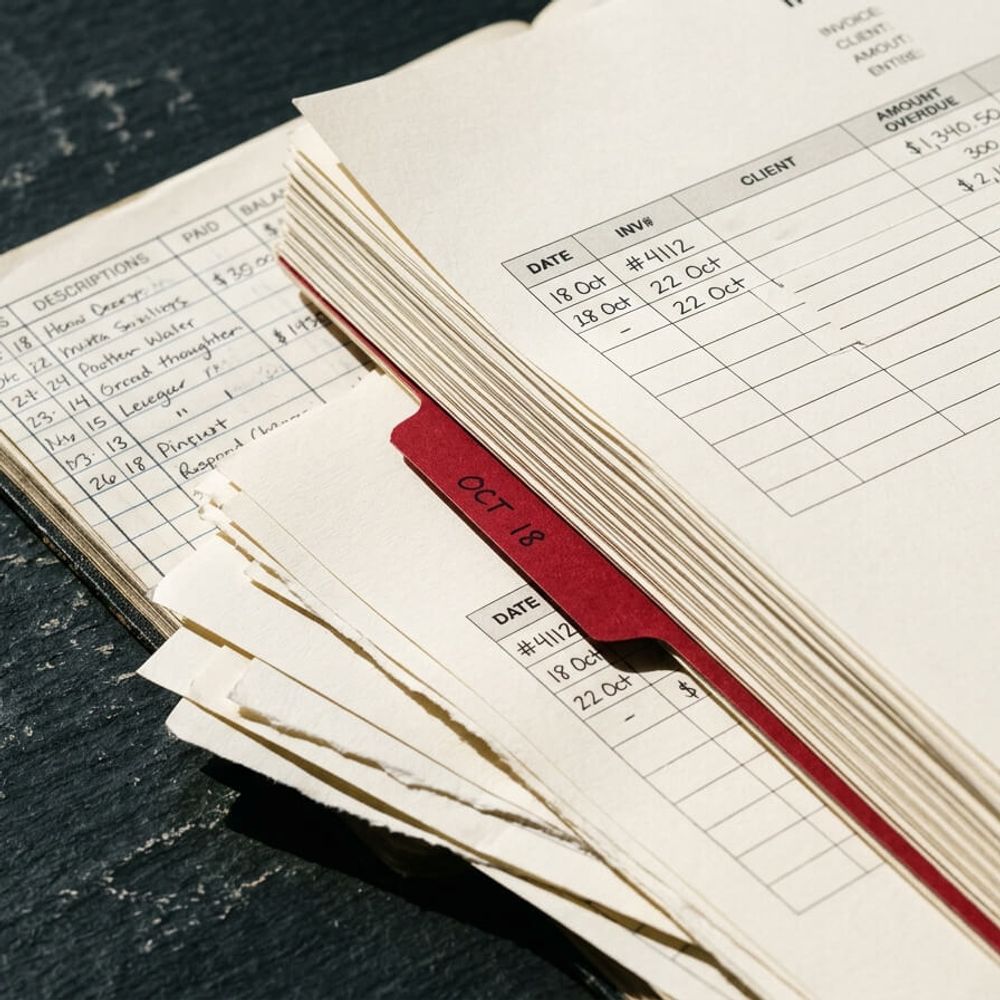
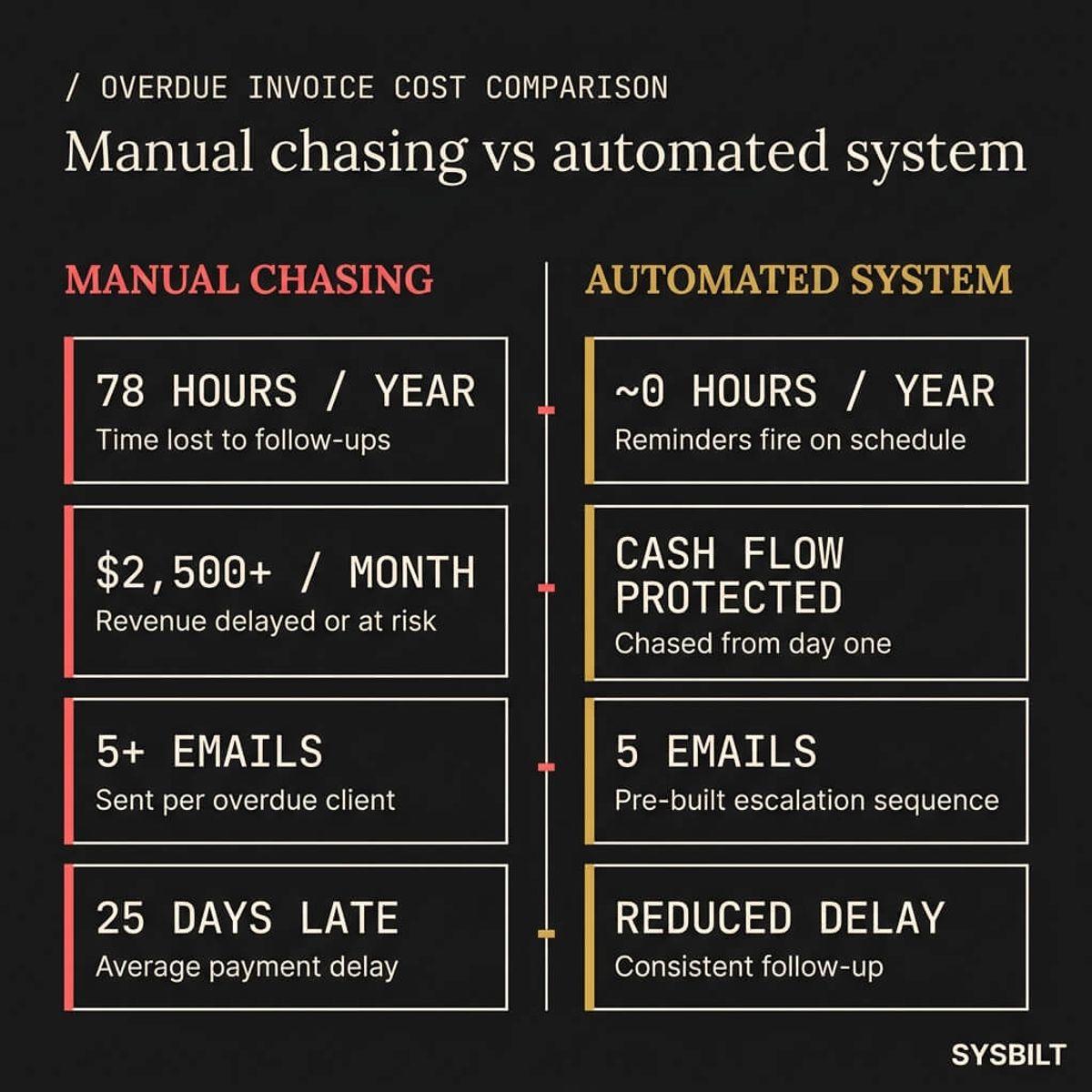
Australian businesses that chase payments manually lose an average of 78 hours every year (GoCardless, 2025). That's nearly two full business weeks spent writing emails, checking accounts, and awkwardly reminding clients they owe you money. Those hours don't come from nowhere. They come from the time you'd otherwise spend winning new work, managing your team, or improving how the business operates.
The financial hit compounds on top of the time cost. 17% of Australian businesses now lose over $2,500 per month to late payments, up from 11% in 2024 (GoCardless, 2025). That's a 55% increase in a single year. And because cash flow doesn't wait for your clients to pay, 34% of Australian businesses have turned to credit cards or loans to cover the gap (GoCardless, 2025). You're borrowing money because someone else hasn't paid you yet, and the interest on that borrowing is a hidden cost that rarely shows up on your profit and loss.
The problem isn't that you don't know what to say in the email. It's that you're still the one sending it. Every hour you spend chasing invoices is an hour you're not spending on growth, on your team, or on the work that actually moves the business forward. And the worst part is that the chasing itself isn't even effective when it's inconsistent. A reminder sent three days late is already weaker than one sent on time, every time, automatically.
How Overdue Invoice Automation Actually Works
Most accounting tools like Xero and MYOB have built-in payment reminders. They'll send a basic email when an invoice passes its due date. That's a useful starting point, but for most growing businesses it's not enough on its own.
Built-in Reminders vs Full Automation
Xero's invoice reminders let you set a schedule and a template. The emails go out, but you can't control the escalation logic across multiple stages, personalise the message with data from your CRM, or connect the reminder to a dashboard showing the real-time impact on your cash flow. MYOB offers similar functionality with the same limitations. These tools handle the simplest version of the problem, but they can't adapt as the situation changes.
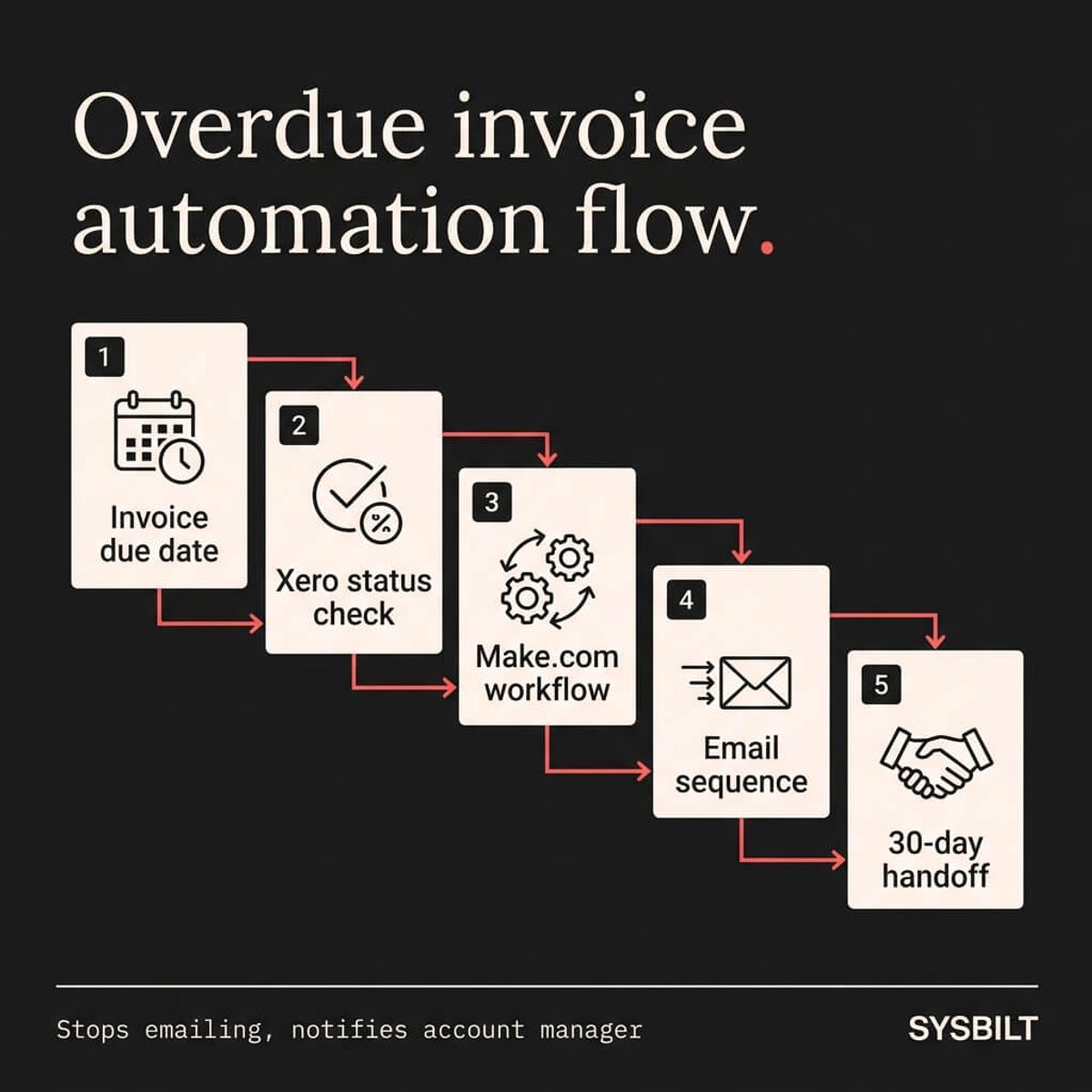
Full automation works on a trigger-action-escalation model that sits outside the accounting software:
- Trigger: Your accounting software flags an invoice as overdue based on its due date
- Action: An automation tool like Make.com picks up that trigger and sends the right email at the right time, pulling in personalised data from your CRM
- Escalation: If the client still hasn't paid after a set number of reminders, the system stops emailing and notifies you or your account manager to step in personally
The difference is that you don't need to check, remember, or log into Xero every Monday to see who's late. The system handles the routine, and you only get involved when a real human conversation is actually needed.
"Our study reveals that 70% of businesses are interested in technology solutions to reduce the volume of late payments, and we already have that tech."
The Five Emails Your System Should Send Automatically
A solid automated sequence covers five stages. Each one has a different tone, a different job, and a clear next step for the client.
| Timing | Tone | Job | |
|---|---|---|---|
| Courtesy reminder | 3 days before due | Friendly, informational | Prompt payment before the deadline |
| Due date reminder | On the due date | Neutral, clear | Confirm the invoice is due today |
| First overdue | 7 days after due | Warm but direct | Flag that payment is late |
| Second overdue | 14 days after due | Firm, professional | Escalate urgency and offer to discuss |
| Final notice | 30 days after due | Factual, states the amount | Last automated email, then a phone call |
What Makes Each Email Work
The courtesy reminder (3 days before due) is the most underrated email in the sequence. Most businesses only start chasing after the due date has already passed. A polite heads-up before the deadline gives the client time to process the payment without any awkwardness, and it signals that your business is organised and paying attention.
The due date and first overdue emails are straightforward. They confirm the invoice is due or that it's now late, and they include a direct link to pay. Keep the subject lines short and specific: the invoice number and the amount owed. Don't bury the key information in the body.
The second overdue email at 14 days is where the tone shifts. This is the email that acknowledges the situation directly and offers to discuss if there's an issue. It's firm but professional, and it opens a door for the client to explain rather than just ignore.
The final notice at 30 days is the last automated contact. It's factual, it states the overdue amount, and it makes clear that the next step is a personal phone call. After this email, the system stops sending and starts notifying your team instead.
Personalisation matters across all five. If your CRM holds the client's name, project details, and invoice amount, the automation can pull that data into every email so it doesn't read like a bulk reminder. The client feels contacted, not processed. A personalised subject line with their name and invoice number gets opened at a significantly higher rate than a generic "Payment Reminder" heading.
Building It With Make.com and Xero
Here's what the actual build looks like when you connect Make.com to Xero. This isn't a theoretical workflow. It's the architecture we use.
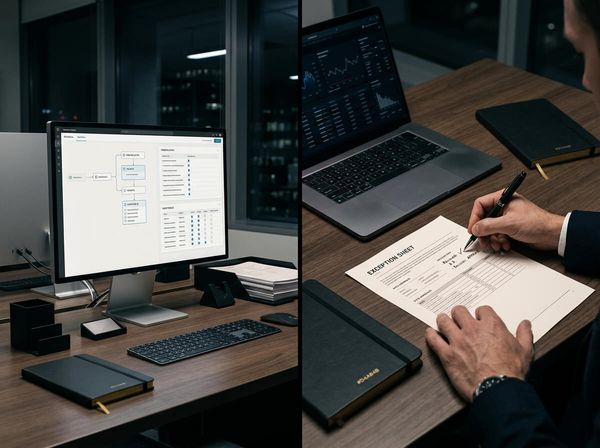
- 01Create a scenario in Make.com that watches your Xero account for invoices past their due date. The scenario runs on a schedule, typically once a day
- 02Set a filter so the scenario only picks up invoices that are overdue by a specific number of days, matching your five-email sequence. Day 1 overdue gets email 3 in the sequence, day 7 gets email 4, and so on
- 03Add an email module that pulls the client's name, invoice number, amount, and due date from Xero and drops them into your pre-written template for that stage
- 04Add conditional logic (a router in Make.com) so the tone, subject line, and content change based on how many days overdue the invoice is. One scenario handles all five emails with branching paths
- 05Set a final trigger at the 30-day mark that sends you or your account manager a notification instead of sending the client another email. This is the handoff point from automation to human outreach
The whole scenario checks Xero daily, identifies every overdue invoice, matches each one to the correct email in the sequence, sends it, and logs the action. You don't touch it.
Connecting It to Your CRM
The build gets more powerful when you wire it into your CRM. If the client's record in HubSpot (or whatever CRM you're using) includes their communication history, payment patterns, and account notes, the automation can reference that data. A client who always pays on time but is late this month might get a softer first reminder. A repeat late payer might skip straight to a firmer tone at the 7-day mark.
This kind of conditional logic is where the gap between a basic Xero reminder and a full automation system becomes obvious. The built-in tool treats every client the same. A connected system treats every client like your best account manager would.
This is one automation. If you want to see what a full automation system looks like when it connects your invoicing, CRM, onboarding, and reporting, take a look at how we build it.
When to Stop Automating and Pick Up the Phone
Automation handles the routine, but there's a point where a templated email stops being helpful and starts risking the relationship. That threshold is usually after the 30-day final notice.
If a client hasn't responded to five emails over the course of a month, the next step isn't a sixth email. It's a phone call from someone who knows the account and can have a real conversation about what's happening. Your automation should stop sending and start notifying, flagging the overdue client in your CRM so the right person follows up personally. The notification should include the full history: which emails were sent, when, and whether any were opened. That gives whoever picks up the phone the context they need to handle the call well.
Why Visibility Changes Everything
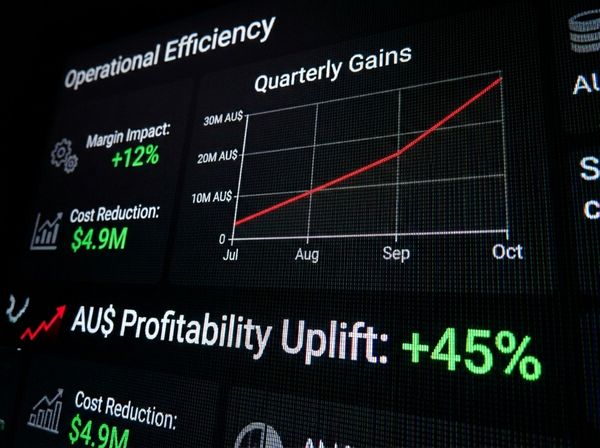
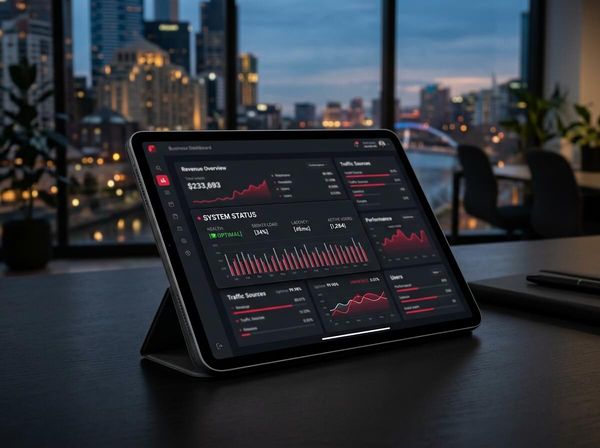
This is also where a live dashboard transforms the process. If your overdue invoices feed into a real-time view alongside your revenue, pipeline, and operating costs, you can see at a glance how much cash is stuck, which clients are consistently late, and what percentage of your receivables are at risk. That's the connection between automation and real-time reporting, and it's why we build them as parts of the same system.
Without that visibility, you're making decisions about cash flow based on memory and gut feel. With it, you're looking at the numbers every morning and acting on facts.
10% of Australian businesses have considered closing permanently because of payment delays alone (GoCardless, 2026). You don't need to be one of them. A system that chases on time, escalates when needed, and tells you exactly where you stand can take this entire problem off your plate.
If this sounds like your business, book a call and we'll walk you through how this applies to your situation.

WRITTEN BY
Felipe Chaparro
Systems Architect and Founder of SYSBILT. Felipe engineers custom automation, AI workflows, and performance web architectures for scaling Australian service businesses.