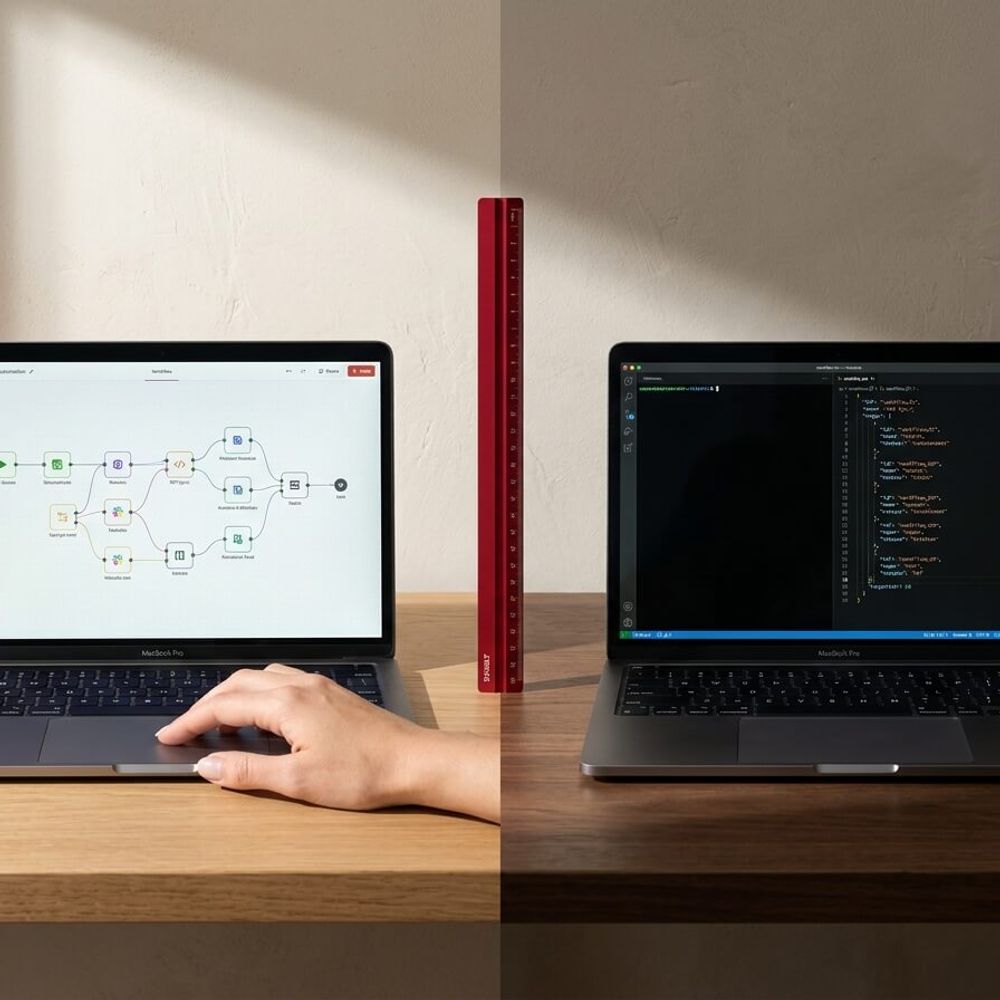
Make.com is for business owners. n8n is for developers. Here's how to pick the right automation tool for your service business.
In this article
You searched for this because you're tired of doing the same admin tasks every day and someone told you to "automate it." Now you're staring at two tools that look similar, reading comparison articles with 30-row feature tables, and you're no closer to a decision than when you started.
This post skips the feature-by-feature breakdown. Instead, it gives you the one thing every other comparison leaves out: a clear recommendation based on who you are and what you need right now.
You Don't Need to Compare 47 Features
Every n8n vs Make.com article starts with a table. Integrations, pricing tiers, execution limits, API support, hosting options, error handling, team permissions. By row 15, you've forgotten why you opened the page.
The reason these comparisons feel overwhelming is that they're written for people who already know what they want to build. If you're a service business owner who just wants to stop copying data between Xero and HubSpot, you don't need to evaluate 47 features. You need to know which tool lets you set up your first automation this week.
According to the Sensis Business Index, 67% of Australian businesses say manual admin tasks are their biggest time drain (Sensis, 2024). The tool that fixes that fastest is the right one. Everything else is a future problem.
Make.com Is for Business Owners. n8n Is for Developers
That's the short version. Here's what it means in practice.
Make.com is a visual automation platform. You drag modules onto a canvas, connect them with lines, and tell each module what to do. It has over 1,500 native integrations, a free plan with 1,000 credits per month (permanent, no time limit), and paid plans starting at $9/month (Core), $16/month (Pro), and $29/month (Team), each with 10,000 credits per month. Enterprise is custom pricing. If you can use Canva, you can use Make.
n8n is an open-source workflow builder. It's more powerful and more flexible than most visual tools, and it's completely free to self-host on your own server. There is no permanent free cloud tier. Cloud plans start with a 14-day trial, then move to paid: Starter at $20/month (2,500 executions), Pro at $50/month (10,000 executions), Business at $667/month (40,000 executions), or Enterprise at custom pricing. n8n bills per completed workflow execution, not per step. It has 400+ native nodes plus 600+ community-built integrations, and you can write custom JavaScript or Python inside any workflow. If you're comfortable with code, n8n gives you full control.
The practical difference: Make pushes complexity into the interface. n8n pushes complexity into your head. Neither is better. They're built for different people.
Here's the short version:
| Criteria | Make.com | n8n |
|---|---|---|
| Best for | Your first 3 automations | Complex workflows |
| Technical level | Non-technical | Developer-friendly |
| Setup | Fast to launch | More control |
| Best first move | Start here | Move here later |
Pricing for both tools changes regularly, so verify current plans directly with Make.com and n8n before committing.
What This Actually Looks Like in a Service Business
Forget abstract comparisons. Here's one workflow that almost every service business needs.
The scenario: A new lead fills out a form on your website. You want to automatically create a deal in your CRM, send a quote email, and follow up in three days if they don't reply.
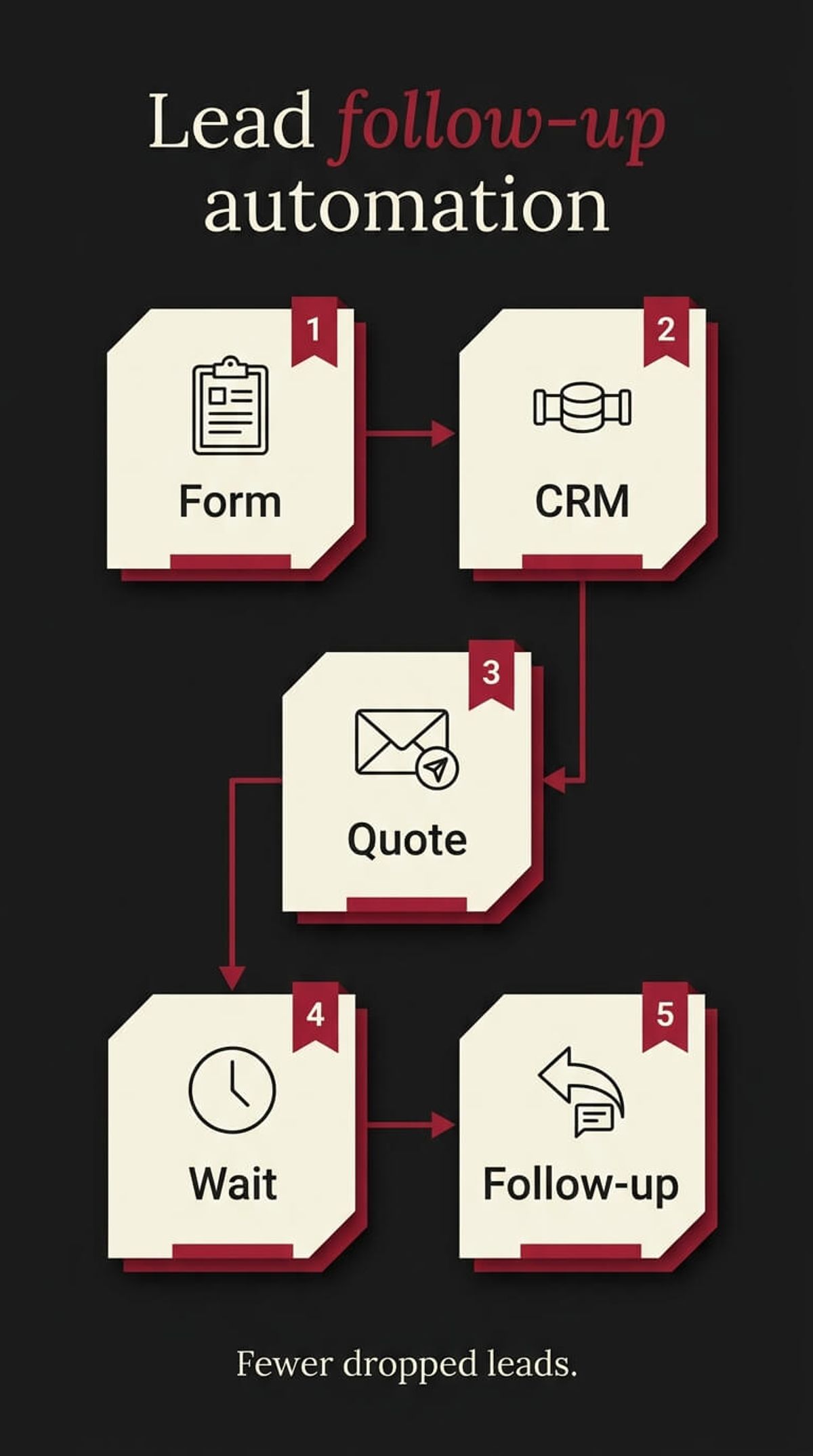
In Make.com, you build this as a visual scenario. You connect your form tool (Typeform, Gravity Forms, whatever you use) to HubSpot, add an email module, set a delay, add a conditional check, and connect a follow-up email. The whole thing takes about 10 minutes to build and you can see every step on the canvas.
In n8n, you build the same workflow but with more granular control. You can add custom logic at any step, write code to transform data between modules, and self-host so the data never leaves your server. The same workflow takes about 30 minutes to build, but you own every piece of it.
For most service businesses, the Make version does exactly what you need. The extra control n8n offers only matters when your workflows get complex enough to need it.
Businesses using workflow automation report saving 10 to 15 hours per week on repetitive tasks (Zapier State of Business Automation, 2025). Whether you save those hours with Make or n8n is less important than whether you save them at all.
"The first rule of any technology used in a business is that automation applied to an efficient operation will magnify the efficiency. The second is that automation applied to an inefficient operation will magnify the inefficiency.“
Which One Should You Start With
If you run a service business, don't have a developer on your team, and want to automate your first workflow this week: start with Make.com. The free plan is enough to test your first scenario. The visual builder means you can see what's happening at every step. And the integration library covers every tool an Australian service business typically uses: Xero, HubSpot, Google Workspace, Slack, Typeform, and more.
If you outgrow Make (and you might not for a long time), n8n is the natural next step. It handles complex logic, custom API integrations, and high-volume workflows better than any visual tool. But reaching for it before you need it is like buying a commercial oven before you've learned to cook.
The first step isn't picking the perfect tool. It's picking three tasks you do every week that a machine could do instead. If you're not sure where to start, The First 3 Tasks Every Service Business Should Automate walks you through exactly that. And if the admin is already costing you more than you realise, The Real Cost of Not Automating Your Business in 2026 puts a number on it.
We build automation systems for Australian service businesses using Make.com, n8n, and everything in between. If you'd rather have someone set it up than figure it out yourself, that's exactly what our automation service covers.
If you want to stop doing the same admin tasks every week, book a call and we'll map out what to automate first.

WRITTEN BY
Felipe Chaparro
Systems Architect and Founder of SYSBILT. Felipe engineers custom automation, AI workflows, and performance web architectures for scaling Australian service businesses.