In this tool
// What it is
Grammarly is a writing assistant that sits over the top of the apps you already use. It catches typos, fixes awkward phrasing, and adjusts your tone in real time. For a growing business, it acts as a safety net for anyone who types to clients, ensuring emails, proposals, and social posts read professionally, regardless of who wrote them.
// How it helps your business
- →Checks spelling, grammar, and tone as you type in your browser or desktop apps
- →Rewrites full sentences for clarity rather than just swapping single words
- →Stores your company style guide so the whole team sounds consistent
- →Generates first drafts and replies using its built-in AI prompts
//What it can actually do
It acts as a quiet editor looking over your shoulder while you work.
- →It stops the obvious mistakes. The basic engine catches the typos, the missing commas, and the wrong words that make a business look careless to a new prospect.
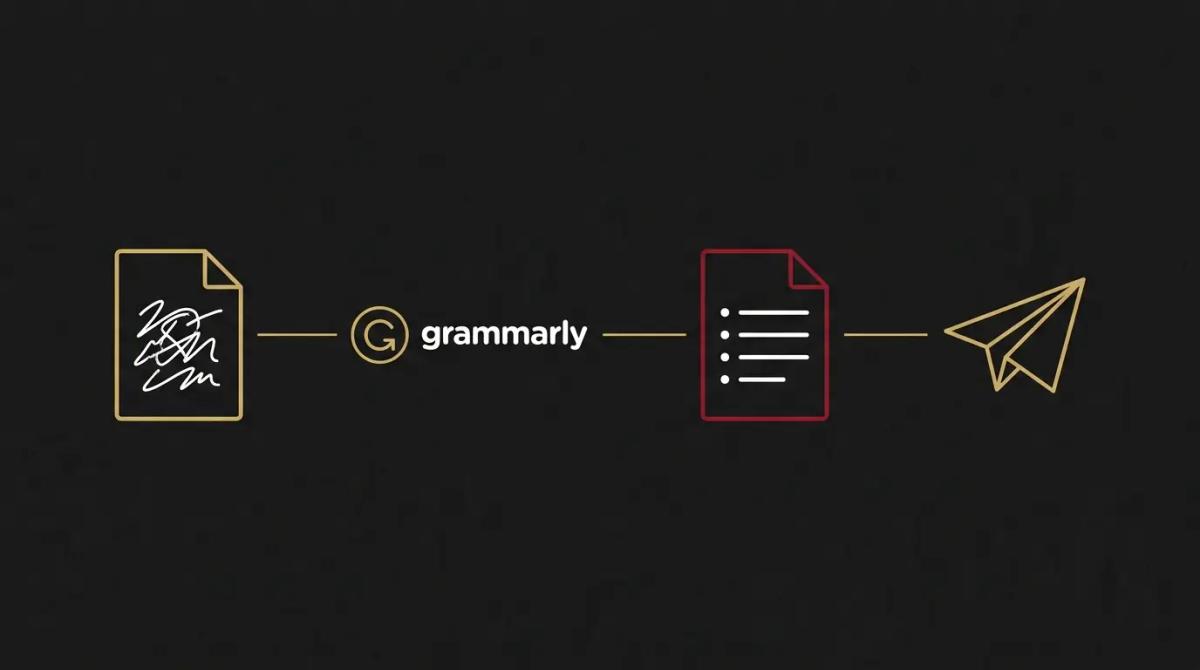
- →It fixes the whole sentence. Instead of just flagging a clunky phrase, it will offer a clean, concise rewrite of the entire sentence so you can accept it in one click and keep moving.
- →It reads the room. It flags when an email comes across as blunt or apologetic, and offers a rewrite to sound more confident or diplomatic before you send it to a client.
//What it connects to
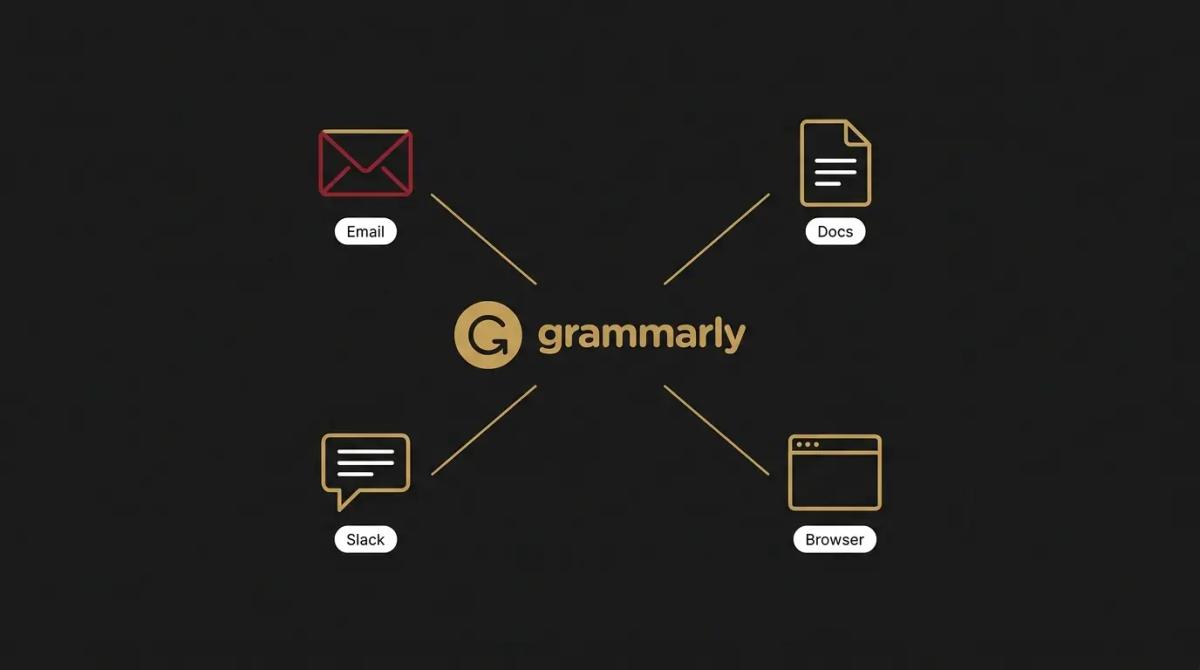
It is designed to live where you already type, rather than forcing you into a separate window.
- →The free tier gives you a browser extension and desktop app that check basic spelling and grammar across most websites and software.
- →The paid upgrade unlocks the full-sentence rewrites, tone adjustments, plagiarism checks, and team style guides.
- →It integrates directly into Gmail, Outlook, Google Docs, Word, Slack, and almost any text box you use on the web.
//How it makes you more money
- →You stop losing work to sloppy presentation. A proposal full of errors tells a client you don't care about the details. Catching those mistakes automatically means your pitches look as professional as the work you actually do.
- →You write the hard emails faster. When you need to send a firm but polite note about an overdue invoice, the tone adjustment feature helps you strike the right balance quickly, so the email gets sent rather than sitting in your drafts.
//How it saves you money
- →Less time spent proofreading. The minutes you spend re-reading your own emails to ensure they make sense add up. Getting a clear rewrite suggested instantly cuts that friction out of your day.
- →It trains your junior staff on the job. When a new hire sees their casual phrasing corrected to a professional standard in real time, they learn how the business communicates without you having to red-pen their work.
//How it lowers your stress
- →The send anxiety disappears. Knowing a tool has checked your long client update for glaring errors removes the panic of reading a typo seconds after you hit send.
- →Your team sounds like one company. If you use the paid tier to set a brand style guide, it automatically flags off-brand terms when your staff type, ending the argument over how a specific product name should be formatted.
//Where it falls down, and what it can cost you
It is a brilliant safety net, but it will flatten your personality if you let it.
- →It can make you sound like a robot. If you accept every clarity and tone suggestion it makes, your writing will become perfectly correct and completely devoid of character. We have found the trick is to use it for correctness and ignore it when it tries to polish away your actual voice.
- →The free version is a billboard. The free tier constantly flags premium issues it won't fix until you pay, which is distracting if you have no intention of upgrading.
- →You are feeding it your data. By default, it uses what you type to train its models. For any business handling sensitive legal, medical, or financial data, you have to go into the settings and manually switch the training permissions off.
//When to try it, pay for it, or build it in
Install the free browser extension today to catch your everyday typos. Pay for the upgrade when you want the full-sentence rewrites, or when you have a team and want to enforce a single style guide across the business. There is rarely a need to build this into a custom system, as it already connects natively to almost everywhere you work.
//How we do it
We treat Grammarly as essential plumbing for a client's communication, not a content generator. We roll it out across the team's browsers and email clients to catch the daily errors that cost credibility. Where a business has a specific way of talking, we load their terminology into the paid style guide so everyone is corrected to the same standard. Crucially, we audit the privacy settings on day one, opting the business out of the data training pool so client emails stay private, which is a step most owners skip.

WRITTEN BY
Felipe Chaparro
Systems Architect and Founder of SYSBILT. Felipe engineers custom automation, AI workflows, and performance web architectures for scaling Australian service businesses.