In this tool
- //What it is
- //How it helps your business
- //What it can actually do
- //What it connects to
- //How it makes you more money
- //How it saves you money
- //How it lowers your stress
- //Where it falls down, and what it can cost you
- //When to try it, pay for it, or build it in
- //Chat or API, in plain terms
- //How we do it
// What it is
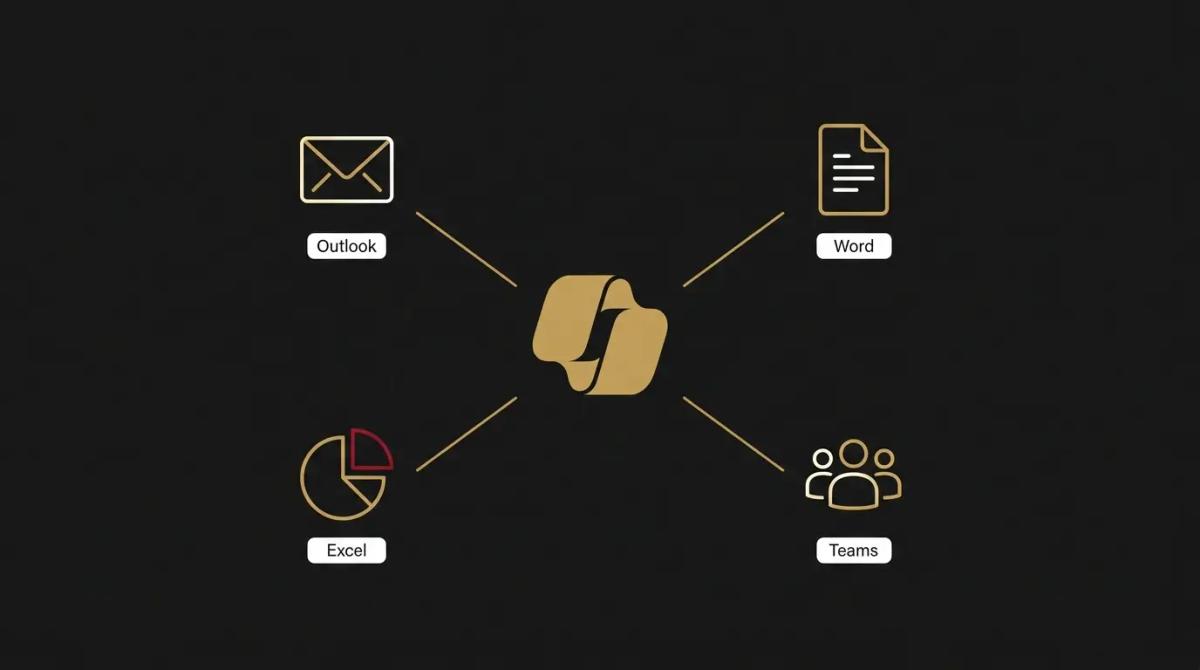
Microsoft Copilot is the AI engine built directly into the apps your business already runs. Instead of copying text into a separate window, you ask it to draft a proposal inside Word, build a chart in Excel, or summarise an email chain in Outlook. For a business firmly planted in the Microsoft environment, it is the most direct way to get hours back from the keyboard.
// How it helps your business
- →Drafts documents and emails directly inside the software where you work
- →Turns dull data in spreadsheets into visual charts and plain-English insights
- →Pulls action items from recorded video calls so you can actually participate
- →Searches across your entire company network to find the exact file you need
//What it can actually do
It bridges the gap between staring at a blank screen and having a working draft, right where you need it.
- →It writes where you write. You open a blank Word document, give it three bullet points of rough notes, and it formats a full client proposal. You are editing instead of typing.
- →It makes sense of the numbers. Dropping into a messy spreadsheet usually means fighting with formulas. Instead, you ask it in plain English to highlight the plunging margins or forecast the next quarter, and it builds the charts for you.
- →It clears the inbox backlog. When a client replies to a fifty-message thread, it reads the whole history and hands you a three-sentence summary of what they actually want, then drafts the polite response.
//What it connects to
It is designed to be the operating system for a Microsoft-heavy business.
- →The free tier gives you a capable web chat that searches the live internet, but it sits completely outside your work files.
- →The paid upgrade is where the real value lives. It embeds natively into your core apps, covering email, documents, spreadsheets, and presentations.
- →Crucially, the paid version connects to your company's internal storage, meaning it can read your own files, past proposals, and chat histories to answer questions about your actual business.
//How it makes you more money
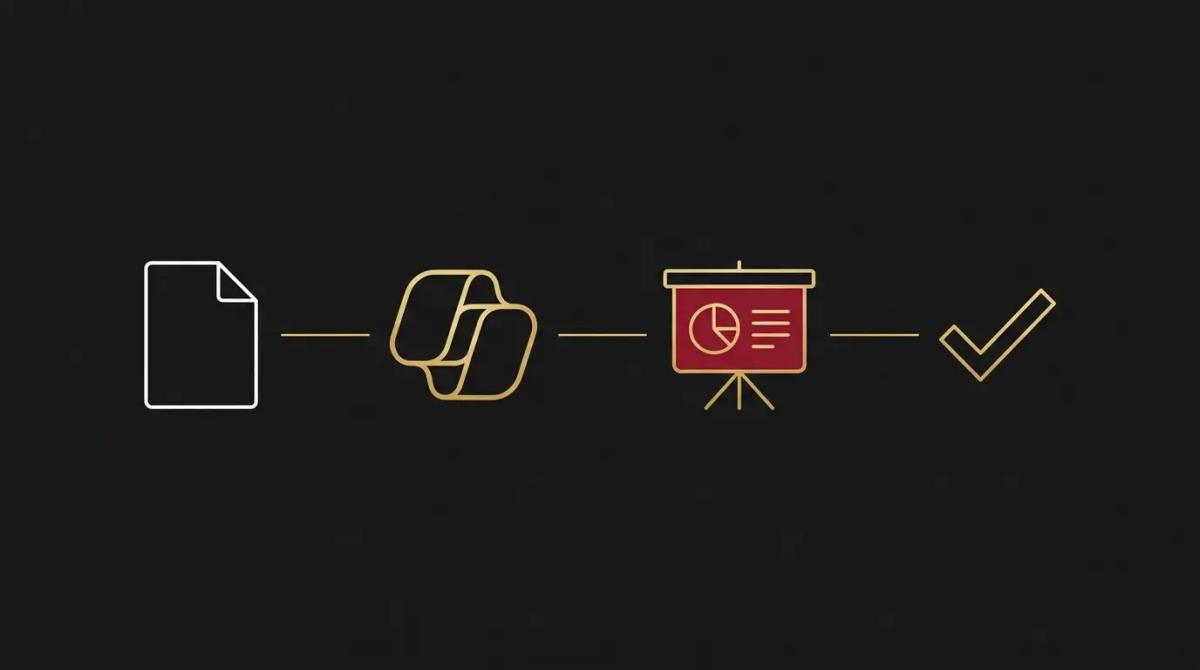
- →You pitch faster and look sharper. When you can ask the assistant to turn a dry Word document into a formatted presentation in under a minute, you stop sending clients boring text walls. Better-looking pitches that arrive the same day win more deals.
- →Your team acts on the data they ignored. Most sales data dies in a spreadsheet because nobody has time to pivot the tables. When anyone can ask for the top-selling product trend in plain text, you actually start making decisions based on the numbers you collect.
//How it saves you money
- →You reclaim the hours lost to formatting. The time your staff spend aligning boxes on a slide or wrestling with a tricky formula is expensive. Offloading the routine layout and logic work to the AI means they finish the job in a fraction of the time.
- →It absorbs the junior admin work. Drafting the weekly update, summarising the team meeting, and digging up old policy files are tasks that usually eat into productive hours. It handles the busywork, letting your existing team carry a heavier load without you needing to hire an extra set of hands.
//How it lowers your stress
- →You stop panicking during meetings. Knowing the AI is transcribing the call and capturing every commitment means you can actually listen to the client, rather than sweating over your notepad trying to catch every detail.
- →The endless hunt for files is over. When you need the contract from two years ago, you stop clicking through nested folders. You just ask the chat to find the agreement for that specific client, and it pulls it up instantly.
//Where it falls down, and what it can cost you
It is incredibly powerful, but it will instantly weaponise every lazy filing habit your business has ever tolerated.
- →It assumes you secured your folders. If the redundancy plan or the payroll spreadsheet is sitting in a shared drive without strict access controls, the AI will happily fetch it for any staff member who asks. A complete permissions audit is mandatory before you switch the paid tier on.
- →It requires structured data. It is brilliant at reading spreadsheets, but only if the data is formatted as a proper table. Feed it a chaotic sheet with merged cells and floating numbers, and it will confidently give you the wrong answer.
- →The monthly bill scales aggressively. Because it is priced per user on top of your existing software licences, we have found that rolling it out to a whole team on day one is an expensive mistake. It only pays off if the staff actually change how they work, so you start small.
//When to try it, pay for it, or build it in
Use the free web chat today to get comfortable with how Microsoft's AI reasons. Pay for a handful of licences for your heaviest writers and data crunchers first, and measure if the time they save covers the monthly cost. Roll it out to the wider business only after you have locked down your file permissions and trained the team on what not to trust it with.
//Chat or API, in plain terms
The standard chat pane inside your apps is where the daily work happens. Microsoft does offer a builder to create custom agents that automate specific company workflows, but that requires a dedicated setup separate from the standard assistant.
//How we do it
We treat Copilot as a massive engine upgrade, but we refuse to install it until the brakes work. We start by auditing your company storage, locking down the sensitive files so the AI only sees what it should. We configure the licences, then we run hands-on sessions with the team, showing them exactly how to draft, how to interrogate their data, and how to verify the output. The goal is to turn a heavy monthly subscription into a tool that actually gets your staff home on time, rather than a gimmick they use once and forget.

WRITTEN BY
Felipe Chaparro
Systems Architect and Founder of SYSBILT. Felipe engineers custom automation, AI workflows, and performance web architectures for scaling Australian service businesses.