
In this tool
// What it is
CapCut is a video editing suite that prioritises speed and social trends over complex technical control. It comes with a massive library of pre-built effects, transitions, and auto-captions that are designed to stop the scroll. For a growing business, it turns raw phone footage into a polished social clip in minutes, which is exactly the cadence needed to stay relevant on video-first platforms.
// How it helps your business
- →Includes a vast library of trending effects and transitions that don't need manual editing
- →Adds accurate, styled captions automatically with one click
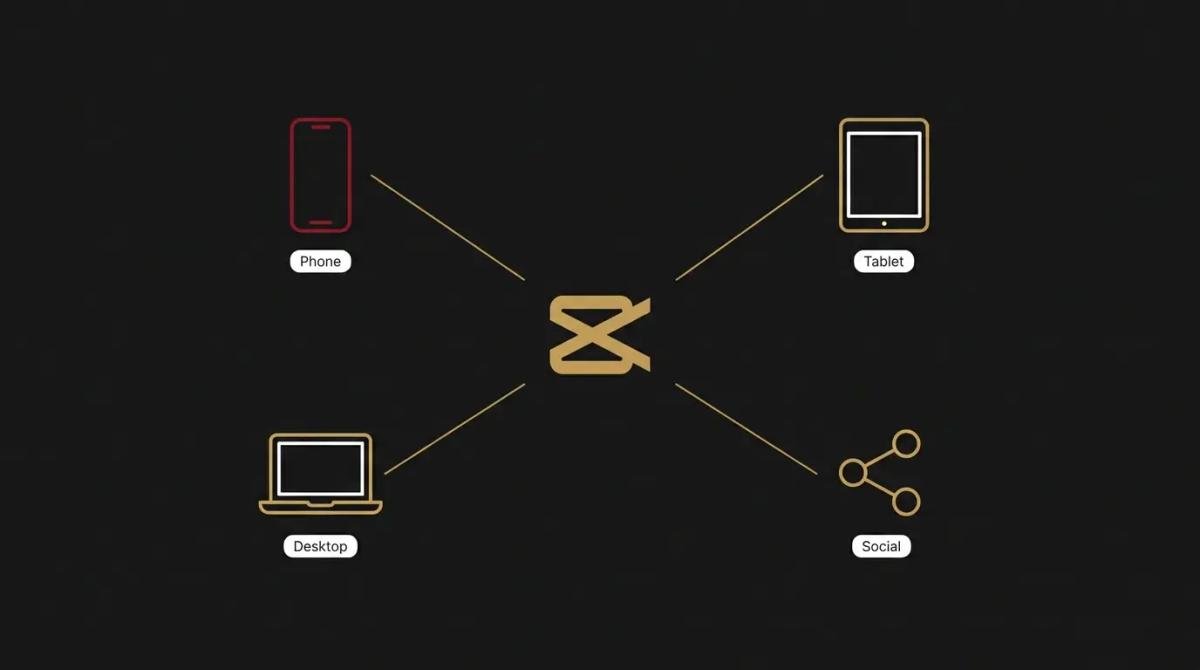
- →Works across phone, tablet, and desktop so you can edit where you record
- →Includes built-in stock music and sound effects that are already licensed for social
//What it can actually do
It puts the high-end polish of a social media influencer into a tool you can learn in an afternoon.
- →It makes the scroll-stopping edit easy. Features like auto-beat matching, dynamic transitions, and trendy text overlays come pre-built, so you are not animating them from scratch.
- →It captions for you. Most people watch social video on mute, and its auto-captioning is fast and accurate enough that you can just give it a quick scan and post.
- →It handles the social formats. You shoot in 9:16 and it keeps your subject centred, helps you resize, and even suggests the right music to match the mood of the clip.
//What it connects to
It lives on your devices rather than in your browser, but it plugs into where you publish.
- →The free tier is surprisingly deep, offering most of the editing tools and effects without a subscription.
- →The paid upgrade adds pro-level editing features, more storage, and access to premium creative assets.
- →It exports directly to TikTok, Instagram, and YouTube, making the jump from final edit to published post nearly instant.
//How it makes you more money
Video is the highest-trust format, but only if it looks professional enough to watch.
- →You stop looking like an amateur. A video that is poorly lit, jumpy, or hard to hear is a brand-killer. This tool makes the production quality match the quality of your actual work, so the viewer trusts you enough to engage.
- →Your content actually stays in the feed. The native effects are designed to keep attention. A video that actually gets watched has a chance to sell, while a boring video is scrolled past in a fraction of a second.
//How it saves you money
It collapses the routine video editing expenses that usually eat a marketing budget.
- →You stop paying for an external editor for routine content. For social clips, event highlights, and quick tips, you no longer need an agency's hourly rate just to make the video watchable.
- →It replaces the need for a separate stock audio or captioning service. The built-in library of music and the automatic caption engine retire two or three single-purpose subscriptions.
//How it lowers your stress
It removes the technical wall that keeps most owners from hitting record.
- →The editing time drops from hours to minutes. When the captioning, the transitions, and the music matching happen at the touch of a button, you stop dreading the edit.
- →You don't need a professional setup. It is built to make phone footage look like a production, so you can stop obsessing over camera gear and start focusing on the message.
//Where it falls down, and what it can cost you
It is an editor for social trends, not for high-end corporate filmmaking.
- →It creates a very specific social aesthetic. Use all the default effects, and your videos will look exactly like everything else on TikTok. We have found the trick is to use the engine for the captions and the cuts, and keep your own visual style so you don't just blend into the noise.
- →The interface can get cluttered. Because it tries to do so much, the screen is packed with buttons and options that you will never use, which can be overwhelming if you just want to do a simple cut.
- →It is a heavy app that eats your device resources. Trying to edit high-resolution 4K footage on an older phone or laptop will make the app lag, which is a frustration that can stop a project in its tracks.
//When to try it, pay for it, or build it in
Use the free version on your phone today for your next social clip. Pay for the upgrade if you start hitting limits on export quality or want the advanced effects for a recurring series. There is no need to build it in via API; this is a tool for human editors, you or a team member, to use, not for an automated system.
//How we do it
We use CapCut as the tactical tool for turning a quick, authentic recording into a polished social piece. When a client needs to show up on video, we don't send them to a studio; we show them how to record a clear, authentic clip and use this tool to trim the fat, add the captions, and put a tidy, on-brand finish on it. We focus on keeping the edit clean and restrained, because the goal is to look professional, not to show off every transition effect in the app's library.

WRITTEN BY
Felipe Chaparro
Systems Architect and Founder of SYSBILT. Felipe engineers custom automation, AI workflows, and performance web architectures for scaling Australian service businesses.