
In this tool
// What it is
Cursor is a code editor with an AI assistant built deep into the interface. It writes code, reviews entire projects, and runs autonomous background agents to fix bugs while you work on something else. For a business with a small technical team, it drastically increases what one developer can output. If nobody on your team knows how to read code, this tool is not a shortcut to building software.
// How it helps your business
- →Writes, edits, and refactors code across multiple files from a plain instruction
- →Runs background agents to handle routine upgrades or bug fixes while you work
- →Explains unfamiliar codebases so a new hire can start contributing immediately
- →Connects to your live database or error logs through native integrations
//What it can actually do
It puts a capable AI inside the environment where your developer already works, rather than forcing them to copy and paste from a browser tab.
- →It writes across the whole project. You describe a new feature, and it edits five different files at once to make it happen, showing the changes side by side before you accept them.
- →It runs the background chores. You can assign it to upgrade a dependency or fix a batch of formatting errors, and it will run autonomously in the background and present the finished work when it is done.
- →It reads your actual systems. Through its integration protocols, it can look up your live database schema, read an error log, or check your issue tracker to understand exactly what needs fixing.
//What it connects to
It is a complete development environment built on top of the industry standard editor, so it fits straight into a developer's existing setup.
- →The free tier gives a developer enough capped usage to test the autocomplete and the chat on a real project.
- →The paid upgrades remove the caps, open access to the strongest reasoning models, and add the background agents and deeper integrations.
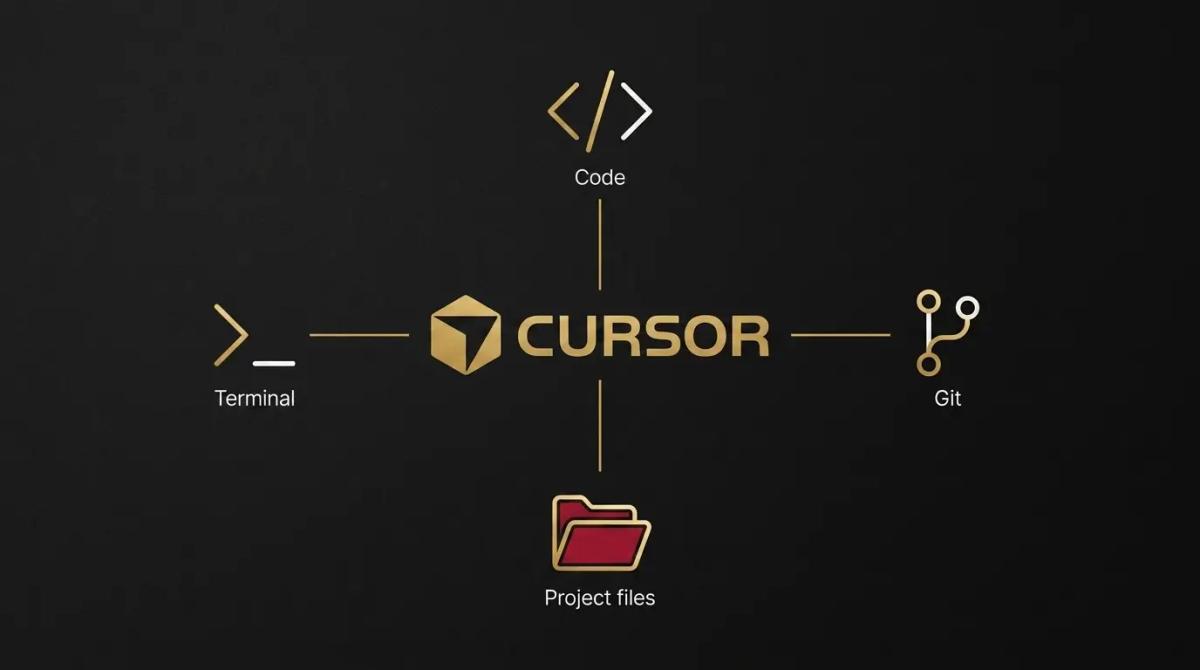
- →It connects directly to your version control, your terminal, and your existing extensions, so adopting it takes minutes rather than days.
//How it makes you more money
A faster development cycle directly changes what you can afford to build and how quickly you can sell it.
- →Custom software becomes affordable. The internal portal or client dashboard that always looked too expensive to build is suddenly viable for a single capable developer, removing a ceiling on how you operate.
- →You get to market faster. Features that used to sit in a backlog for weeks get shipped in days, which means the product improves faster and clients see value sooner.
//How it saves you money
It effectively increases your technical headcount without putting another salary on the payroll.
- →One person does the heavy lifting. A solo developer equipped with this tool produces the output of a small team, saving you the immediate wage cost of hiring more hands to clear the routine work.
- →Less time billed for maintenance. The tedious work of updating libraries or tracking down a syntax error is handled in a fraction of the time, keeping your billable hours focused on actual improvements.
//How it lowers your stress
The overwhelming feeling of a codebase slowly decaying into a mess starts to fade.
- →The technical debt stops piling up. When refactoring old code or fixing minor bugs takes minutes instead of an afternoon, the team actually does it, keeping the software healthy.
- →Handovers are less painful. Because the tool can read and explain an entire codebase, a new developer can pick up an old project and understand how it works without spending a week mapping it out by hand.
//Where it falls down, and what it can cost you
It writes code incredibly fast, which means it can write broken code incredibly fast if nobody is steering it.
- →It is dangerous in the wrong hands. We have watched non-technical founders use it to build apps that look finished but are structurally hollow. If the person at the keyboard cannot read the code to verify it, the project will eventually collapse under its own mess.
- →The billing model punishes mistakes. The paid tiers run on a usage pool. If a developer gives vague instructions and makes the AI rewrite the same complex file ten times, they burn through the monthly allowance quickly. Precision saves money here.
- →It can confidently break things. It will sometimes suggest an elegant solution that perfectly breaks your specific security setup or database structure. Everything it produces has to be reviewed, not blindly accepted.

//When to try it, pay for it, or build it in
If you have a developer, ask them to run the free tier for an afternoon. They will know within an hour if it speeds them up. Upgrade to a paid plan when they hit the limits on the stronger models or want to run the background agents. As for building it in, the tool itself is the build environment. The real decision is whether building custom software makes sense for your business at all.
//How we do it
We use Cursor to build the custom systems our clients need, because it lets a lean team deliver reliable software without the bloat of a massive agency. When a client asks us if they should build an internal tool, we are upfront about the reality. We tell them that while tools like this make coding faster, custom software still requires maintenance, hosting, and security. If an off-the-shelf product does the job, we recommend that. When a custom build is genuinely the right move, we use this editor to deliver it quickly, and we document everything so the business is never locked out of its own codebase.

WRITTEN BY
Felipe Chaparro
Systems Architect and Founder of SYSBILT. Felipe engineers custom automation, AI workflows, and performance web architectures for scaling Australian service businesses.