
In this tool
// What it is
Mailchimp is an email marketing platform that has grown into a heavy customer relationship management and automation engine. It builds emails, runs advanced customer journeys, and tracks your sales data all in one dashboard. For a growing business that relies on email to drive revenue, it is incredibly capable, provided you have the budget to scale when the strict limits force you to upgrade.
// How it helps your business
- →Builds professional emails and newsletters using a visual editor
- →Automates complex customer journeys so the right email sends at exactly the right time
- →Pulls your sales data into the dashboard so you can see which emails actually make money
- →Tracks every contact and their interactions in a built-in database
//What it can actually do
It strips the coding and design out of sending a professional email, and wraps it in a data engine.
It builds the campaign. You choose a layout, drop your text and images into place, and the platform ensures the email looks right on a phone and a desktop. You do not need to know how to code an email template to look professional.
It runs the customer journeys. Instead of sending one mass blast to everyone, you can build paths that react to what the customer does. If they click a link about a specific service, the engine waits two days and automatically sends them a tailored follow-up.
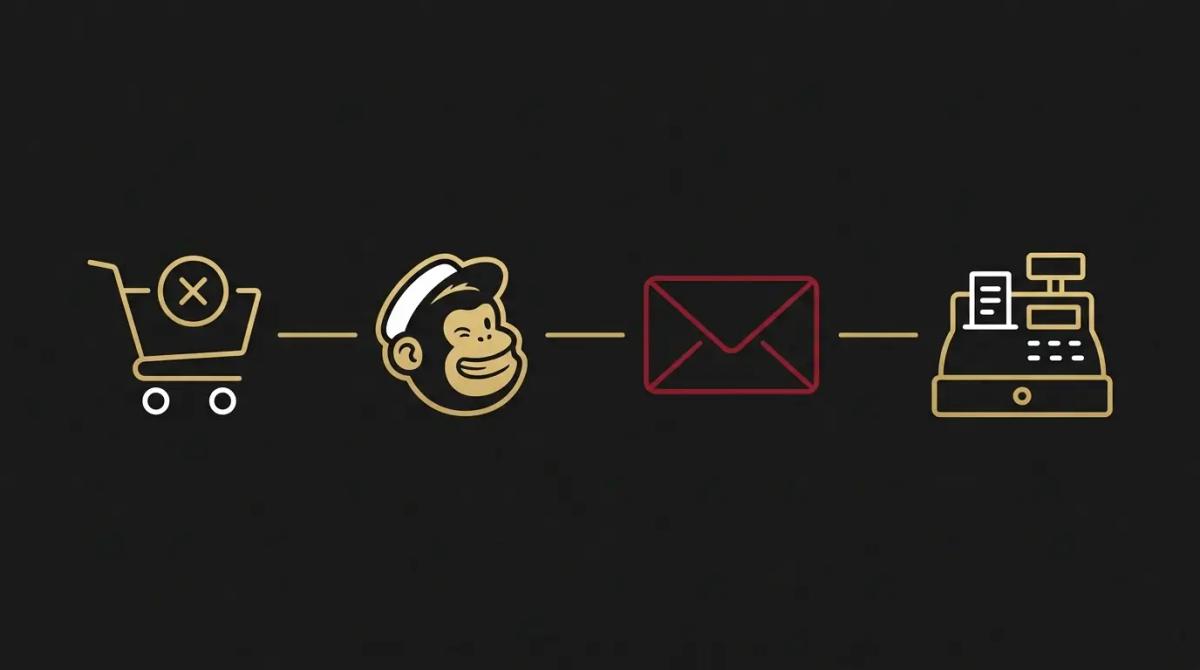
It tracks the revenue. When connected to an online store, it shows you exactly how much money a specific email generated, tying the marketing effort directly to the cash register.
//What it connects to
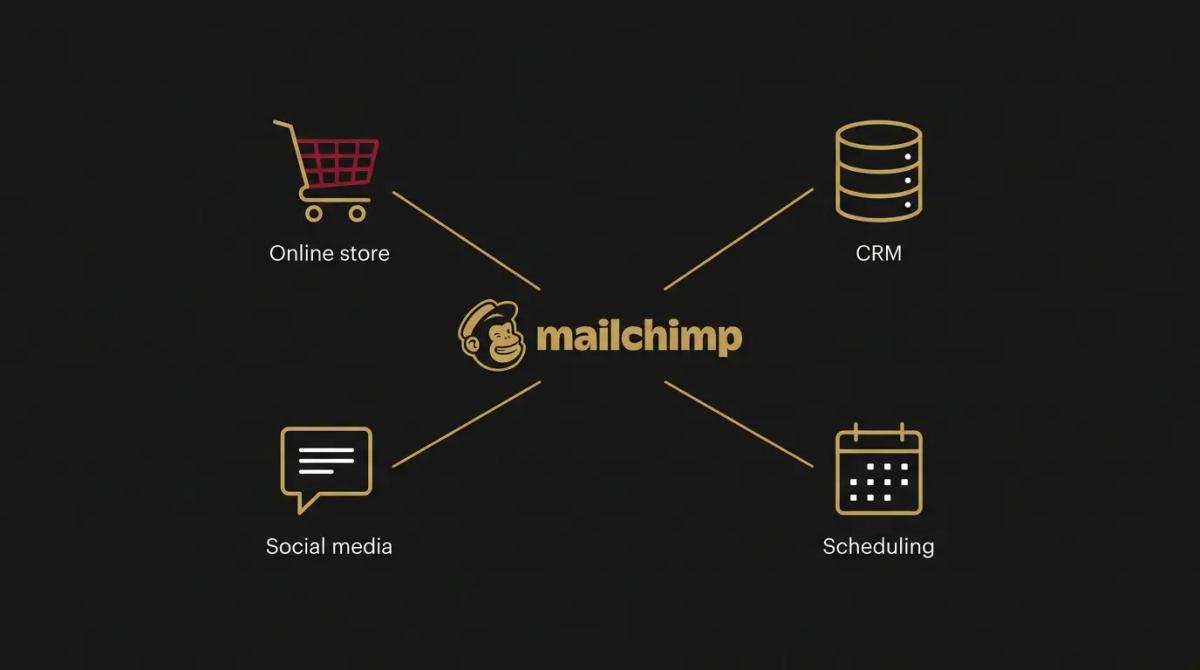
It is one of the oldest and most connected platforms on the internet, so it talks to almost everything.
The free tier is now just a strict testing ground, keeping you to a very small list and cutting out the automation.
The paid upgrades unlock the multi-step automations, the scheduling, the larger contact allowances, and the SMS tools.
Through its massive integration library, it links natively to almost any e-commerce platform, accounting tool, or calendar you already use.
//How it makes you more money
You recover the abandoned carts. A customer adds an item to their cart and leaves the site. The system catches the exit and fires an automatic reminder email an hour later, capturing the sale that was walking out the door.
You segment the buyers from the browsers. Because it tracks behaviour, you can pull a list of clients who have bought from you in the last six months and send them a specific offer, rather than burning your list with generic promotions that nobody reads.
//How it saves you money
You stop paying designers for routine emails. The drag-and-drop editor and the built-in templates mean anyone on your team can produce a clean, on-brand newsletter in an hour, keeping the design work in-house.
It can replace the standalone CRM. If your business only needs basic contact tracking, its built-in database stores the notes, tags, and purchase history for every client, meaning you might be able to cancel a separate software subscription.
//How it lowers your stress
The templates keep you looking professional. The anxiety of sending a broken layout to thousands of people disappears. The visual builder locks the structure in place, so the team can edit the copy without accidentally breaking the code.
The reporting takes the guesswork out. Knowing exactly who opened an email, what they clicked, and whether they bought something removes the mystery from your marketing. You stop wondering if the newsletter is actually working.
//Where it falls down, and what it can cost you
It is a brilliant platform that has become heavily bloated, and the billing structure is ruthless.
The free tier is effectively a trap. We have found owners who sign up expecting the generous free plan of the past, only to hit a hard wall at a handful of contacts. It is designed to force you onto a paid plan almost immediately, and the upgrade path is steep.
You pay for the contacts who never read. It bills you based on your total contact count, including the people who have unsubscribed but remain in the database. If you do not actively clean your list, you end up paying a premium for dead weight.
It tries to do too much. Because it wants to be your website builder, your CRM, and your social media scheduler, the dashboard has become dense and confusing. Finding the simple email sender requires navigating past features you probably do not want to use.
//When to try it, pay for it, or build it in
Use the free tier only to test the visual editor and see if you like the interface. Pay for the upgrade the moment you want to schedule an email or set up a basic welcome sequence. Bring in outside help to build it in when you are running an online store and need your sales data feeding directly into the marketing engine to trigger complex, revenue-driven automations.
//How we do it
We use Mailchimp when a client has a heavy e-commerce operation or a sales process that genuinely needs complex, data-driven automations. We do not use it for simple newsletters. We wire it directly into the business’s online store or primary CRM, ensuring the purchase data flows safely into the marketing engine. Crucially, we set up strict list-cleaning rules. Because the platform charges you for every contact sitting in the system, we build automated sweeps that archive the unengaged subscribers, so the business only pays to email the people actually reading.

WRITTEN BY
Felipe Chaparro
Systems Architect and Founder of SYSBILT. Felipe engineers custom automation, AI workflows, and performance web architectures for scaling Australian service businesses.