
In this tool
- //What it is
- //How it helps your business
- //What it can actually do
- //What it connects to
- //How it makes you more money
- //How it saves you money
- //How it lowers your stress
- //Where it falls down, and what it can cost you
- //When to try it, pay for it, or build it in
- //Chat or API, in plain terms
- //How we do it
// What it is
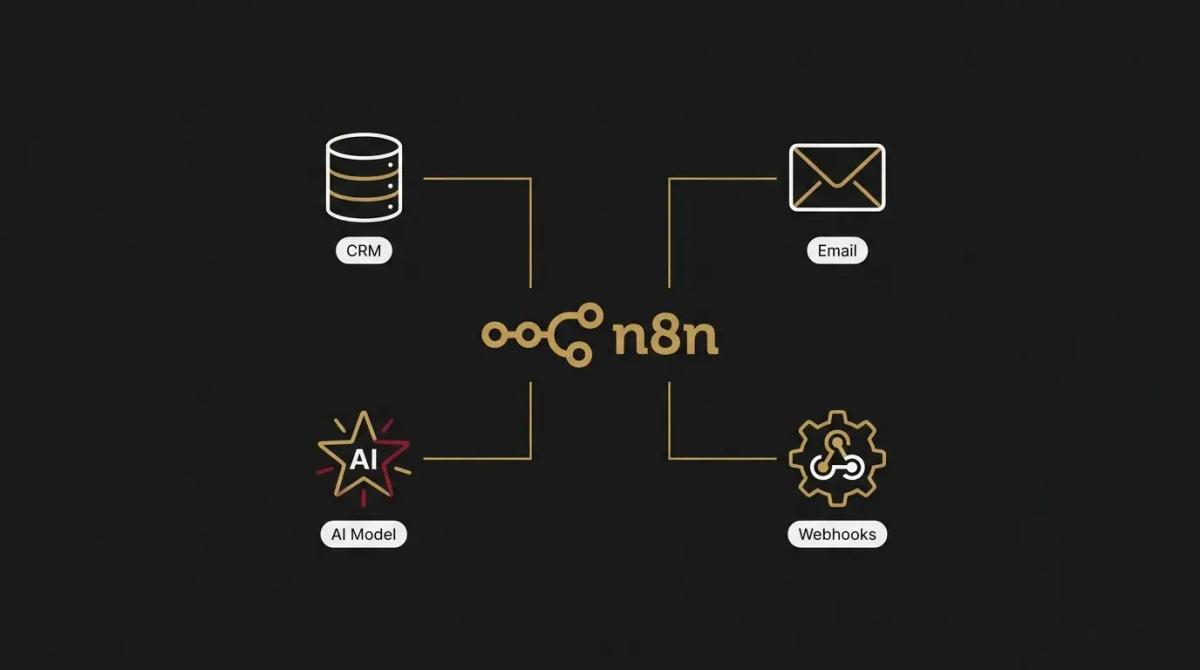
n8n is a visual automation platform that connects your business applications into multi-step workflows. Unlike tools that charge you for every single automated action, it can be hosted for free on your own server or used via their cloud version. For an owner with complex data needs or high task volumes, it removes the financial penalty of scaling your digital systems.
// How it helps your business
- →Connects thousands of tools using a flexible, visual node canvas
- →Runs on your own infrastructure for free with zero volume or task charges
- →Handles complex branching, loops, and custom code blocks naturally
- →Integrates advanced AI models and memory nodes directly into workflows
//What it can actually do
It acts as the central logic engine for your business operations, built for data workflows that require deep customisation.
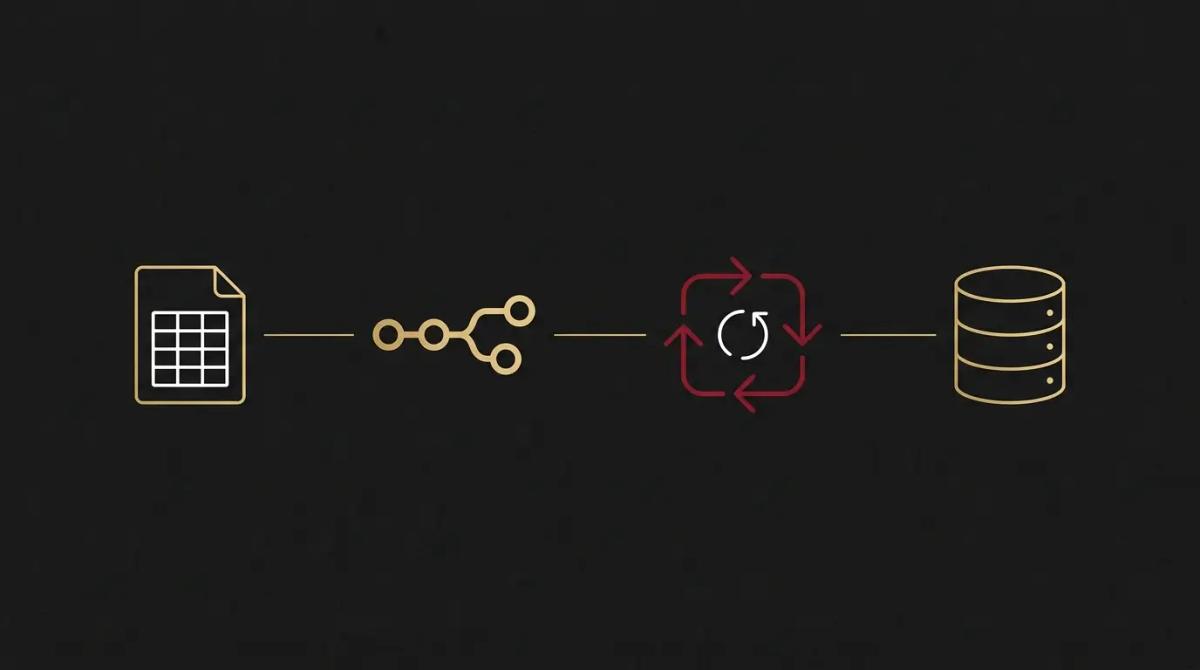
- →It runs complex data loops. If a supplier sends you a daily spreadsheet with hundreds of items, the engine can open the file, check every row against your live stock database one by one, update the quantities, and flag price increases, without breaking or stopping halfway.
- →It builds custom AI logic. You can drop an AI node into a workflow, link it to your company data, and assign it a specific role, such as reading an incoming support ticket, checking past customer files, and drafting a tailored response that references an open invoice.
- →It treats raw code as a first-class citizen. When standard drag-and-drop buttons cannot handle an unusual data format from an old system, you can write a short block of JavaScript or Python inside any step to reshape the data exactly how you need it.
//What it connects to
It links into a massive directory of business tools and gives you raw access to their technical backends.
- →The free self-hosted edition opens up every native app node and feature without artificial paywalls.
- →The cloud tiers handle the hosting and server management for you, charging a flat monthly subscription based on your automated executions.
- →Unlike simpler alternatives that hide premium connectors or webhook triggers behind expensive plans, it opens up all integrations across both self-hosted and cloud options.
//How it makes you more money
- →Data moves in real time to secure leads. When a customer requests an urgent quote on your website, the engine hooks into your internal pricing databases and fires a polished proposal to their phone instantly. Speed wins the close, and this lets a small team match the response times of enterprise competitors.
- →You can offer premium, automated client portals. Because running high-volume workflows is free when self-hosted, you can build systems that constantly pull live project milestones and balances into a custom dashboard for your clients, turning a basic service into a high-value offering.
//How it saves you money
- →The scaling volume penalty disappears. Most automation tools charge you more money the busier your business gets. If you process tens of thousands of inventory updates or customer syncs a month, your software bill normally climbs aggressively. Running this on your own infrastructure reduces that ongoing cost to a minimal, flat hosting fee.
- →No expensive premium node upgrades. It does not segregate your tools by value. You get the same ability to move data between advanced CRMs, accounting systems, and marketing platforms regardless of your setup, keeping your subscription stack lean.
//How it lowers your stress
- →Visual debugging shows you the exact break. When a workflow stops, you open a visual canvas and see precisely which node failed and what data it rejected. You do not have to guess which part of the chain broke or dig through walls of text logs.
- →You own and control your business logic. Because you can download the raw layout files of your workflows and back them up locally, you are never trapped if a software provider changes their rules or closes your account. Your processes belong to you.
//Where it falls down, and what it can cost you
It is an incredibly powerful factory line, but it expects you to think like a developer and maintain your own gear.
- →The learning curve is a wall for non-technical teams. It uses structural programming logic like arrays and JSON data payloads. We have found that while building a simple two-step automation is straightforward, creating advanced systems requires an understanding of how data is structured, which quickly overwhelms a general office manager.
- →Self-hosting makes you the IT department. If you choose the free self-hosted route to save on subscriptions, you are entirely responsible for server uptime, version updates, database sizing, and secure backups. If your server runs out of memory at 3am on a long weekend, your business automations stop dead until you fix the infrastructure.
- →Bad logic burns server resources. Because there are no arbitrary task limits to slow you down, a poorly configured loop can trigger an infinite cycle that crashes your database or triggers thousands of unintentional emails before you notice the error.
//When to try it, pay for it, or build it in
Try the cloud version for a simple setup if you want to experiment with the visual node canvas and see if the logic makes sense to your team. Pay for their hosted service if you want the power of the engine but refuse to manage a cloud server yourself. Bring in technical help to build it into your infrastructure when your task volume grows large enough that standard software subscriptions start eating into your profit margins, or when you need to weave advanced AI agents into your daily operations securely.
//Chat or API, in plain terms
The visual canvas is where you map your nodes, write custom code blocks, and route data flows. The API features allow other internal systems to trigger these workflows behind the scenes, turning your visual map into infrastructure that runs quietly in the dark.
//How we do it
We deploy n8n for clients whose automation volume is too heavy or whose data structures are too complex for basic connector tools. We configure the engine on secure, isolated infrastructure, handle the advanced data mapping, and build the custom JavaScript blocks needed to connect their legacy systems. Because a silent failure can damage a business, we build dedicated error-handling nodes into every scenario. If a payment sync or an inventory loop fails, the system bypasses the broken node and alerts a human on the team immediately, ensuring the automation remains an asset rather than a hidden risk.

WRITTEN BY
Felipe Chaparro
Systems Architect and Founder of SYSBILT. Felipe engineers custom automation, AI workflows, and performance web architectures for scaling Australian service businesses.