In this tool
- //What it is
- //How it helps your business
- //What it can actually do
- //What it connects to
- //How it makes you more money
- //How it saves you money
- //How it lowers your stress
- //Where it falls down, and what it can cost you
- //When to try it, pay for it, or build it in
- //Chat or API, in plain terms
- //How we do it
// What it is
ChatGPT is the general-purpose AI assistant that most businesses start with. It drafts emails, writes proposals, analyses data, and summarises long documents in seconds. For an owner looking to clear the daily backlog of administrative writing and reading, it hands back hours of time every week.
// How it helps your business
- →Drafts professional emails and proposals from a few rough bullet points
- →Reads long documents and hands back a summary of what actually matters
- →Writes the spreadsheet formulas you usually spend twenty minutes searching for
- →Builds custom assistants loaded with your own business facts and tone
//What it can actually do
It clears the administrative backlog so you can do the actual work.
- →It kills the blank page. You dump your scattered thoughts into a prompt, and it hands back a structured first draft of a proposal. You are left editing a document instead of staring at a blinking cursor.
- →It reads the dense material. Drop in a thirty-page supplier agreement and ask what the termination clauses are. It reads the whole file and hands back the exact terms, which saves you reading twenty pages of boilerplate.
- →It fixes your spreadsheets. Describe the calculation you want in plain English, and it writes the correct formula. You stop fighting syntax errors and get straight to the answer.
//What it connects to
It is primarily a standalone destination, though the paid tiers open up more doors.
- →The free version is a tab in your browser. It reaches the live web and handles everyday drafting and basic file reading.
- →The paid upgrade gives you the custom builder. You can create specific versions of the assistant loaded with your own documents and instructions, which stay private to your workspace.
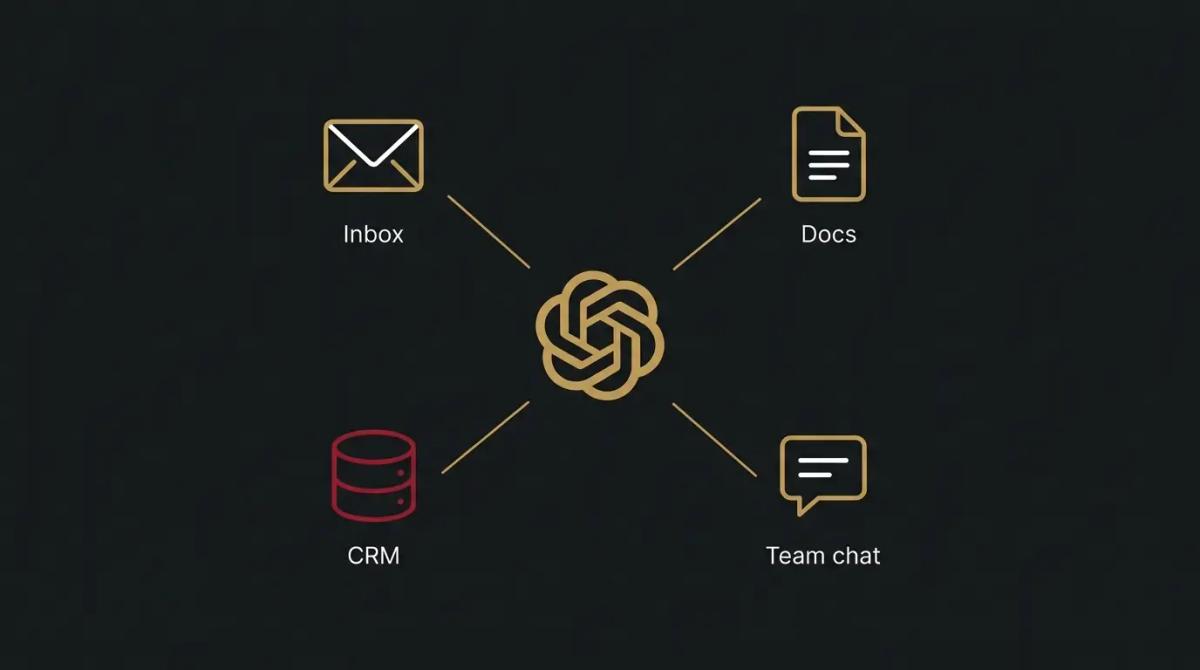
- →Through the developer API, it connects to your whole business. This is how it plugs into your customer database or inbox to handle tasks automatically.
//How it makes you more money
- →You get the quote out first. When an enquiry lands, you feed it the client requirements and your standard pricing. It drafts a tailored, professional response in a minute, meaning you hit send before the competition has even read the email.
- →You pitch above your weight. Rough notes turn into polished, structured pitches. A sharp, well-written proposal simply closes more work than a messy one, regardless of how good you are on the tools.
//How it saves you money
- →It absorbs the low-value writing. The monthly updates, the standard operating procedures, the polite rejections. The routine communication that eats your wage budget gets handled for the cost of a subscription.
- →You stop paying for basic data cleanup. When you have a messy list of contacts that needs sorting into a clean format, it does the formatting instantly, replacing hours of manual data entry.
//How it lowers your stress
- →The inbox stops feeling like a chore. Tricky client emails that require a careful, neutral tone get drafted without the emotion. You review, tweak, and send, removing the friction from hard conversations.
- →You always have a sounding board. When you are trying to work through a staffing issue or a pricing change, you can talk it out with the assistant. It helps untangle your thinking without you needing to bother a partner or colleague.
//Where it falls down, and what it can cost you
It is highly capable, but it is a confident liar when it does not know the answer.
- →It will invent facts with total certainty. If you ask it for a legal precedent or a specific technical spec, it will sometimes write a completely fabricated answer that looks perfectly real. You must verify anything that matters before it goes to a client.
- →It writes like a robot by default. Left to its own devices, it uses long, flowery words and American corporate speak. We have found you have to aggressively prompt it to use plain English, or your clients will immediately know they are reading an AI.
- →The free tier trains on your data. If you drop sensitive financial data or client details into the free version, you are feeding the public model. You have to upgrade to the team or business tiers to keep your data walled off.
//When to try it, pay for it, or build it in
Use the free tier immediately for simple drafting and brainstorming. Pay for the upgrade when you hit the daily usage limits or when you want to build custom versions trained on your own company facts. Build it into your systems via the API when you are tired of copying and pasting, and want it reading inbound emails and drafting replies automatically.
//Chat or API, in plain terms
The chat is the window you keep open all day to ask questions and write documents. The API is the engine we wire into your other software, so it can classify new leads in the background without anyone typing a prompt.
//How we do it
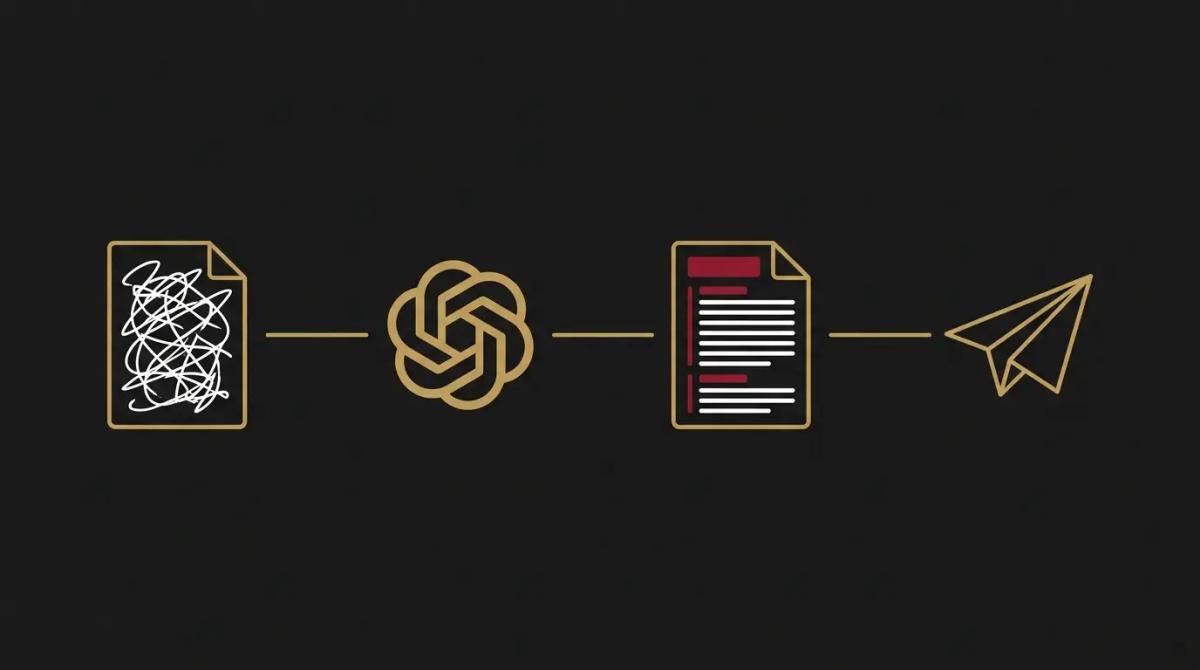
We treat ChatGPT as the baseline engine for business automation. For a team, we set up the paid workspace so your company data is kept strictly private. We build custom instructions so it stops using corporate jargon and actually sounds like your business. Then, the real work begins, we use its API alongside tools like n8n to connect it to your inbox and customer database, so routine enquiries are categorised and first drafts are sitting there waiting for your approval.

WRITTEN BY
Felipe Chaparro
Systems Architect and Founder of SYSBILT. Felipe engineers custom automation, AI workflows, and performance web architectures for scaling Australian service businesses.