
In this tool
- //What it is
- //How it helps your business
- //What it can actually do
- //What it connects to
- //How it makes you more money
- //How it saves you money
- //How it lowers your stress
- //Where it falls down, and what it can cost you
- //When to try it, pay for it, or build it in
- //Chat or API, in plain terms
- //How we do it
// What it is
Perplexity skips the traditional list of search links and reads the web for you. It synthesises the pages it finds into a direct, readable answer, attaching a footnote to every claim. For an owner digging into a new regulation, checking a supplier, or sizing up a competitor, it collapses hours of tab-juggling into a tidy brief.
// How it helps your business
- →Scours the live internet and attaches a source to every fact it gives you
- →Compiles deep market or competitor briefs in a fraction of the usual time
- →Analyses your own uploaded business documents alongside web data
- →Handles daily searches for free with a paid upgrade for heavier work
//What it can actually do
It acts as a dedicated researcher, parsing information rather than just pointing you to it.
- →It answers instead of linking. When you need to understand a complicated tax update, you ask the question. It reads the current guidance and returns a plain English summary, saving you from decoding government websites yourself.
- →It builds the brief. Ask for a rundown on a new market segment, and it takes a few minutes to pull a structured, referenced report from current news and industry sources.
- →It cross-references your files. On the paid tiers, you can upload a dense industry PDF and have it answer questions using both that document and the live web at the same time.
//What it connects to
The division between the free and paid versions is highly practical.
- →The free version is an app and web interface for daily search queries and light file reading.
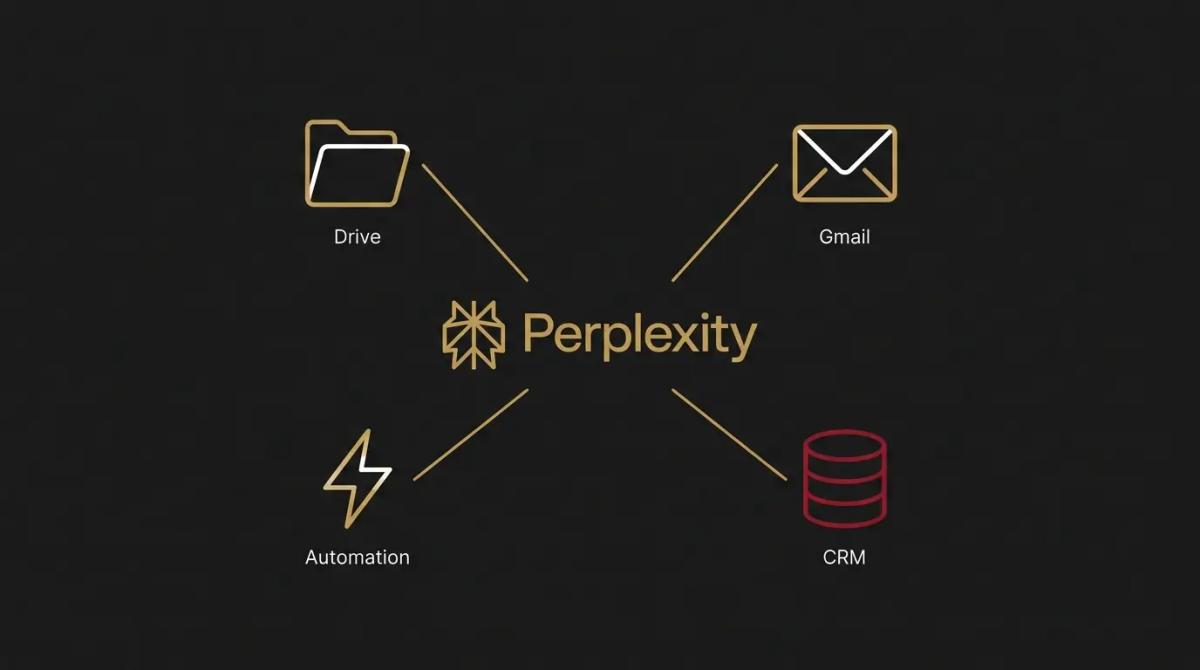
- →The paid upgrade unlocks more capable reasoning models, deeper research limits, and the ability to search across your cloud storage.
- →Through its API, it plugs into your operational software, allowing research to happen automatically as part of a wider workflow.
//How it makes you more money
- →You enter meetings fully briefed. A quick query before a sales call gives you the prospect's recent news, challenges, and market position. You win more work when you show up knowing their context, rather than asking them to explain it.
- →You keep your pricing sharp. Ask it to evaluate what competitors are currently charging for similar services. Spotting where you are leaving money on the table is the fastest way to increase margin without finding new clients.
//How it saves you money
- →It reclaims administrative hours. The time a staff member spends hunting down a list of potential software vendors or checking compliance rules gets handed over to the engine, returning that time to paying work.
- →You decide on current facts. Making a business call based on an outdated industry blog is an expensive mistake. Searching the live internet ensures your decisions reflect what is happening today.
//How it lowers your stress
- →You can verify the work. AI tools are notorious for inventing facts. Because this engine provides a clickable citation for every sentence, the anxiety of wondering if the answer is completely fabricated drops significantly.
- →Delegation becomes safer. When a junior team member runs a research task, the included footnotes give you a straightforward way to sanity-check their findings.
//Where it falls down, and what it can cost you
It is exceptional at finding information, but the citations can lull you into a false sense of security.
- →A footnote is not a guarantee. It will occasionally cite a page that relates to the topic but does not actually prove the specific claim it just made. We have found the footnotes make it easier to catch mistakes, not impossible to make them. You must still click through on any fact that carries risk.
- →It cannot breach a paywall. If the critical data lives inside a paid trade journal or an exclusive database, it remains invisible. It only knows what is publicly indexed.
- →It is a researcher, not a writer. If you try to use it to draft a warm client email or a compelling ad, the result will read like a dry academic paper. Use it to find the facts, then use something else to write the copy.
//When to try it, pay for it, or build it in
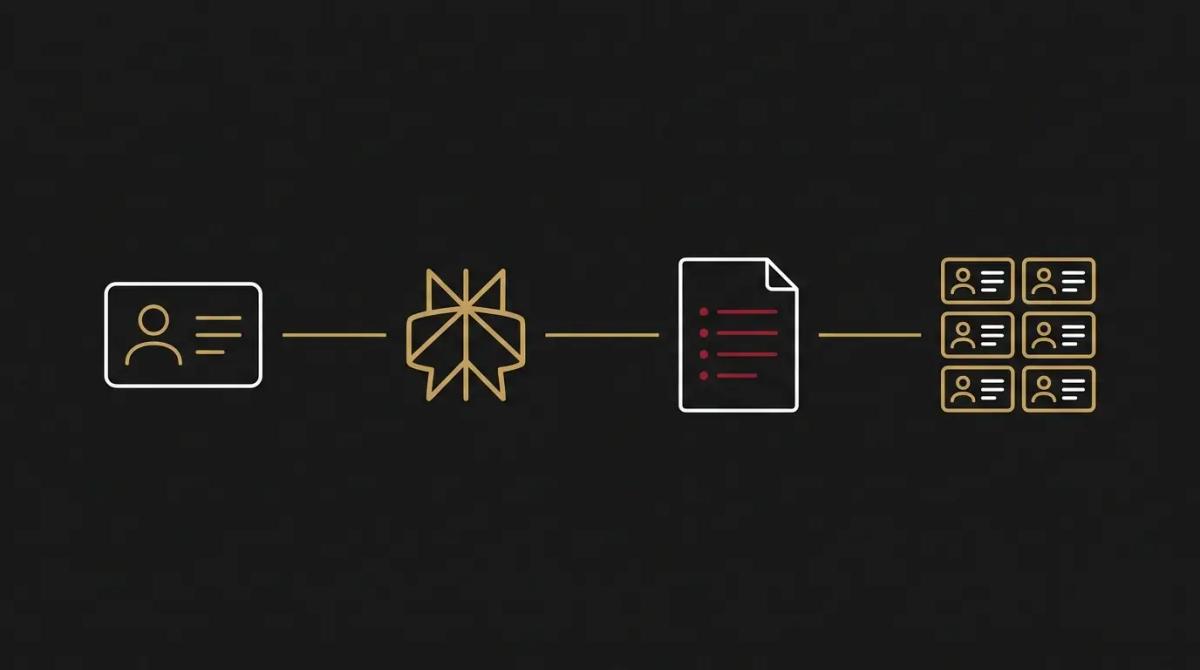
Test the free version on your next complex search to see if the interface suits you. Pay for the upgrade when you need to upload larger files or run deep competitor analysis regularly. Build it into your systems when you want those research briefs dropping into your CRM automatically, rather than relying on someone to run the search.
//Chat or API, in plain terms
The chat interface is for your ad-hoc questions and daily lookups. The API is the infrastructure that lets your other software run searches in the background, like pulling a dossier on a new lead the moment they submit an enquiry.
//How we do it
We position Perplexity as the research hub for a business. For teams that need it, we configure the paid workspaces so staff can search the web and their internal files seamlessly. We then wire its search API directly into your sales systems. When a new prospect hits your CRM, the API automatically researches their business and leaves a structured brief on their record before you even pick up the phone, ensuring your team spends their time selling, not searching.

WRITTEN BY
Felipe Chaparro
Systems Architect and Founder of SYSBILT. Felipe engineers custom automation, AI workflows, and performance web architectures for scaling Australian service businesses.