
In this tool
// What it is
Squarespace is a visual website builder that wraps hosting, design, and business tools into a single platform. It is famous for high-end templates that make growing businesses look like premium brands without writing code. For a service business or portfolio, it handles everything from the booking calendar to the checkout, provided you are happy to build your house on their land.
// How it helps your business
- →Builds professional, design-led websites without needing a developer
- →Wraps hosting, security, and the design editor into one single subscription
- →Manages client bookings, invoicing, and basic e-commerce natively
- →Lets you edit your own site visually so you are not reliant on an agency
//What it can actually do
It replaces the developer, the designer, and the server admin with a visual canvas you control.
- →It builds from premium foundations. You start with layouts built by actual designers, drop in your own text and photos, and the grid system keeps the proportions right so you cannot easily break the design.
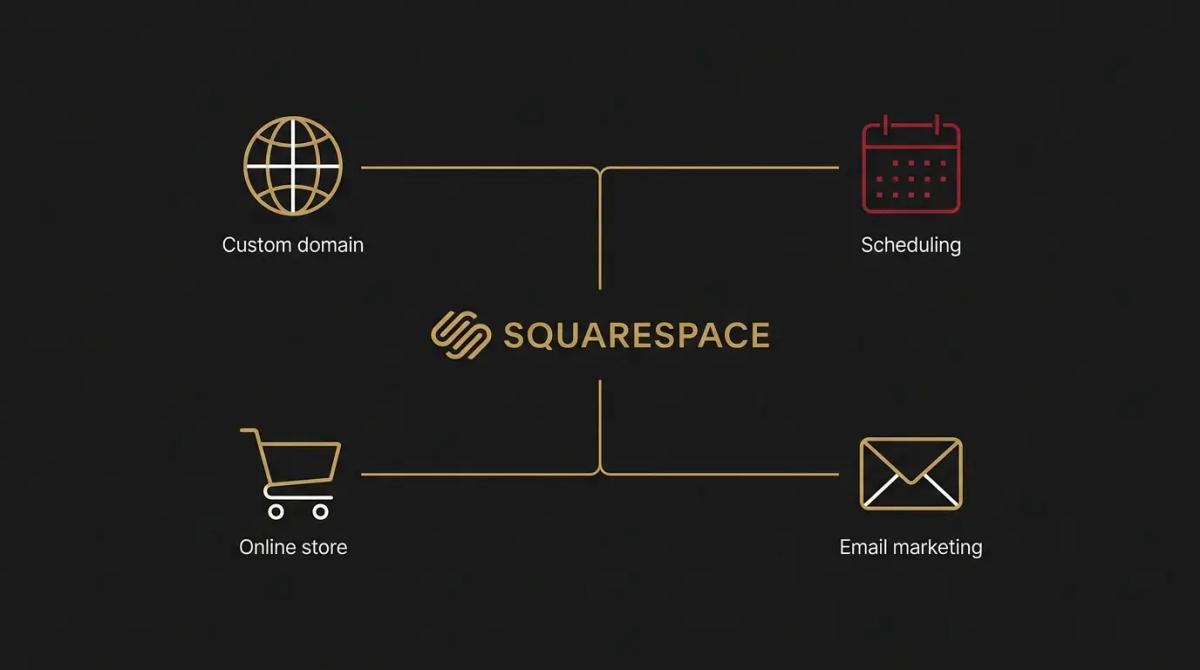
- →It handles the bookings. It has professional appointment scheduling built directly into the platform, so clients can book and pay for your time without you duct-taping a third-party calendar to your site.
- →It takes the payments. Whether you are selling physical stock, digital downloads, or access to a gated membership area, it processes the transaction and delivers the goods natively.
//What it connects to
It operates as a heavily curated environment, preferring you use its own built-in tools over wiring up outside software.
- →A free trial lets you build the site and test the editor, but the site remains hidden from the public until you pay.
- →The paid tiers open up the live hosting, the custom domain connection, and the e-commerce checkouts.
- →It connects to a handful of major marketing tools out of the box, but if you want to inject custom code or connect to external databases, you must be on the higher-tier plans.
//How it makes you more money
A polished presence changes what you can charge.
- →You look established from day one. A sharp, highly polished website builds immediate trust. When a client compares your sleek site to a competitor's broken layout, you win the work on credibility before you even speak.
- →Clients can book and buy at midnight. Turning a static brochure site into one that accepts credit cards for a consultation or sells a digital product removes the friction of invoicing, capturing the sale while the buyer is interested.
//How it saves you money
It rolls several separate business expenses into one flat software fee.
- →You bypass the heavy agency invoice. Paying a development firm to design and code a custom website is a major capital hit. This platform reduces that upfront build cost to a predictable monthly subscription.
- →Maintenance costs disappear. Because it is a managed platform, you do not pay a webmaster a monthly retainer to run security updates, fix broken plugins, or maintain the server. The lights stay on automatically.
- →You make your own minor updates. Changing a price, adding a new staff member, or updating a gallery does not require a billable hour from a designer, you simply click the block and type.
//How it lowers your stress
The technical dread of running a business website goes away.
- →You cannot accidentally crash the server. Traditional open-source websites can break entirely if a core update goes wrong. With a closed platform, the underlying code is locked away, so you can edit your pages without the quiet anxiety of taking the business offline.
- →The tech stack shrinks. Running your website, your email campaigns, your client invoicing, and your scheduling through one dashboard means fewer passwords to manage and fewer subscriptions to track.
//Where it falls down, and what it can cost you
It is brilliant for design-led service businesses, but it becomes a gilded cage when your operations scale.
- →You cannot pack up and leave. If your business outgrows the platform, you cannot export your pages and move them to WordPress or Shopify. Your content belongs to their proprietary system, meaning a move requires a total rebuild.
- →It hits a ceiling on heavy e-commerce. We have found it handles a few dozen products beautifully, but if you scale into hundreds of items, complex shipping rules, or advanced warehouse management, the backend becomes frustrating to manage.
- →Add-ons inflate the monthly bill. While the base hosting is reasonable, adding their native scheduling, email marketing, and membership features quickly turns a cheap website into one of your heaviest monthly software costs.
//When to try it, pay for it, or build it in
Start a free trial to mock up a layout and see if the drag-and-drop editor makes sense to your brain. Pay for a subscription the moment you are ready to launch, because you cannot publish a live site without one. The decision to build your business on it depends on your horizon. If you need a gorgeous service or portfolio site that will not change much for three years, it is exceptional. If you are building a massive retail brand, start elsewhere.
//How we do it
We use Squarespace for clients who sell high-end services and need a website that looks as expensive as what they charge, without the ongoing maintenance of a custom coded build. We build the structure, lock in the brand colours, and set up the mobile view properly, which is where DIY builds often fall apart. Crucially, we wire the native scheduling and contact forms directly into the client's CRM so an enquiry never gets lost in a hidden dashboard. We are upfront about the limits. If a client plans to build a sprawling e-commerce catalogue, we steer them to Shopify from day one to avoid the painful migration later.

WRITTEN BY
Felipe Chaparro
Systems Architect and Founder of SYSBILT. Felipe engineers custom automation, AI workflows, and performance web architectures for scaling Australian service businesses.