In this tool
// What it is
Wix is a visual website builder that lets you drag and drop a professional site together without writing a line of code. It wraps hosting, design, and basic marketing into one subscription. For a growing business needing a brochure site or a simple store fast, it bypasses the agency waitlist, but it locks your content into its walls the moment you hit publish.
// How it helps your business
- →Builds a complete, professional-looking website without needing a developer
- →Wraps hosting, security, and the design editor into one single subscription
- →Handles basic e-commerce, bookings, and forms straight out of the box
- →Lets anyone on your team update text and photos without breaking the layout
//What it can actually do
It replaces the developer and the server admin with a visual canvas you control.
- →It builds from a template. You pick a layout that suits your industry, drop in your own photos and copy, and you have a site that looks established, not homemade.
- →It handles the transactions. You can add a shop, a booking calendar, or an event ticketing system without trying to stitch five different software subscriptions together.
- →It keeps the lights on. The hosting, the security certificates, and the platform updates are all handled invisibly, so you never log in to find a broken server.
//What it connects to
It operates as a walled garden, and reaches out to the internet through its own managed app market.
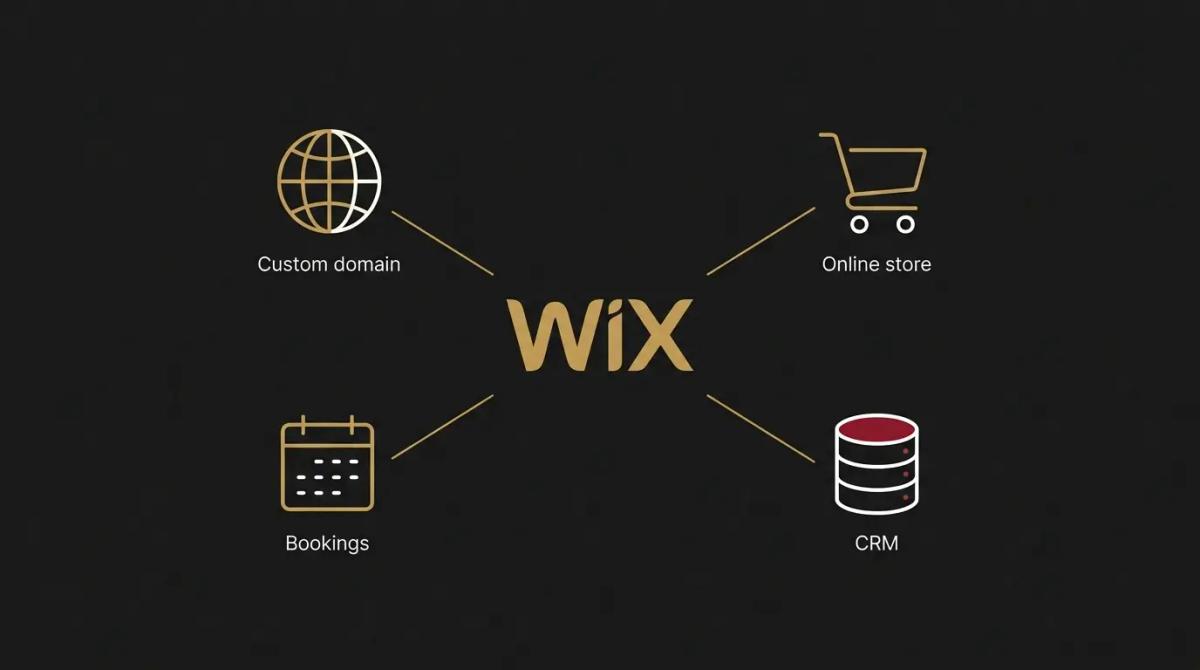
- →The free tier gives you the builder and free hosting, but forces Wix branding onto your site and blocks you from using your own domain name.
- →The paid upgrade lets you connect a professional web domain, removes the ads, and opens up the e-commerce and booking features.
- →It connects to external tools mostly through its own app market, meaning if an integration does not have an official app, wiring it up takes serious effort.
//How it makes you more money
- →You capture leads this week, not next month. A slow agency build can leave you without a digital footprint while you wait. Scaffolding a clean, functioning site in a few days means you are actively catching search traffic and incoming leads immediately.
- →Clients can actually pay you online. Turning a static brochure site into one that accepts credit cards for a consultation or a physical product removes the friction of invoicing, which gets the money in the bank faster.
//How it saves you money
- →You bypass the heavy initial build invoice. Paying a development agency to build a basic brochure website is a major capital hit. This platform reduces that upfront cost to an affordable monthly subscription.
- →Maintenance costs drop to zero. Because it is a managed platform, you do not pay a webmaster a monthly retainer to run security updates, fix broken plugins, or maintain the server.
- →You make your own minor edits. Changing a staff member's profile photo or updating a phone number does not require a billable hour from a designer, you simply click the text and type.
//How it lowers your stress
- →You cannot accidentally break the server. Traditional open-source websites can crash if a core update goes wrong. With a closed platform, the underlying code is locked away, so you can edit your pages without the quiet anxiety of taking the whole business offline.
- →The online presence guilt disappears. When getting online stops being a daunting six-month project, the nagging feeling that your business looks illegitimate without a web presence goes away.
//Where it falls down, and what it can cost you
It is brilliant for getting off the ground quickly, but it becomes a gilded cage when your business scales.
- →You cannot change your template later. Once your site is live, the design foundation is locked. If you rebrand a year later and want a completely different layout, you cannot just swap the theme, you have to rebuild the entire site from scratch.
- →You cannot pack up and leave. If your business outgrows the platform, you cannot export your pages and move them to WordPress or Shopify. Your content belongs to their proprietary system, meaning a move requires a total rebuild.
- →It hits a ceiling on complex e-commerce. We have found it handles a few dozen products perfectly, but if you scale into hundreds of items, complex shipping rules, or advanced inventory management, the backend becomes sluggish and frustrating to use.
//When to try it, pay for it, or build it in
Use the free tier to mock up a layout and see if the drag-and-drop editor makes sense to you. Pay for a subscription the moment you are ready to launch, because running a business site on a free subdomain with third-party ads instantly kills your credibility. The decision to build it into your business is really a question of your horizon. If you need a simple site that will not change much for three years, it is a great choice. If you are building a heavy e-commerce brand, start elsewhere.
//How we do it
We use Wix for clients who need a clean, professional service site and want to edit the text themselves without calling us every time. We build the structure, lock in the brand colours, and make sure the mobile view is tight, which is the most common mistake DIY builders make. Crucially, we wire the contact forms directly into the client's CRM so an enquiry never gets lost in a hidden dashboard. We are upfront about the limits. If a client plans to scale a massive online store, we steer them to Shopify from day one to avoid the painful migration later.

WRITTEN BY
Felipe Chaparro
Systems Architect and Founder of SYSBILT. Felipe engineers custom automation, AI workflows, and performance web architectures for scaling Australian service businesses.